


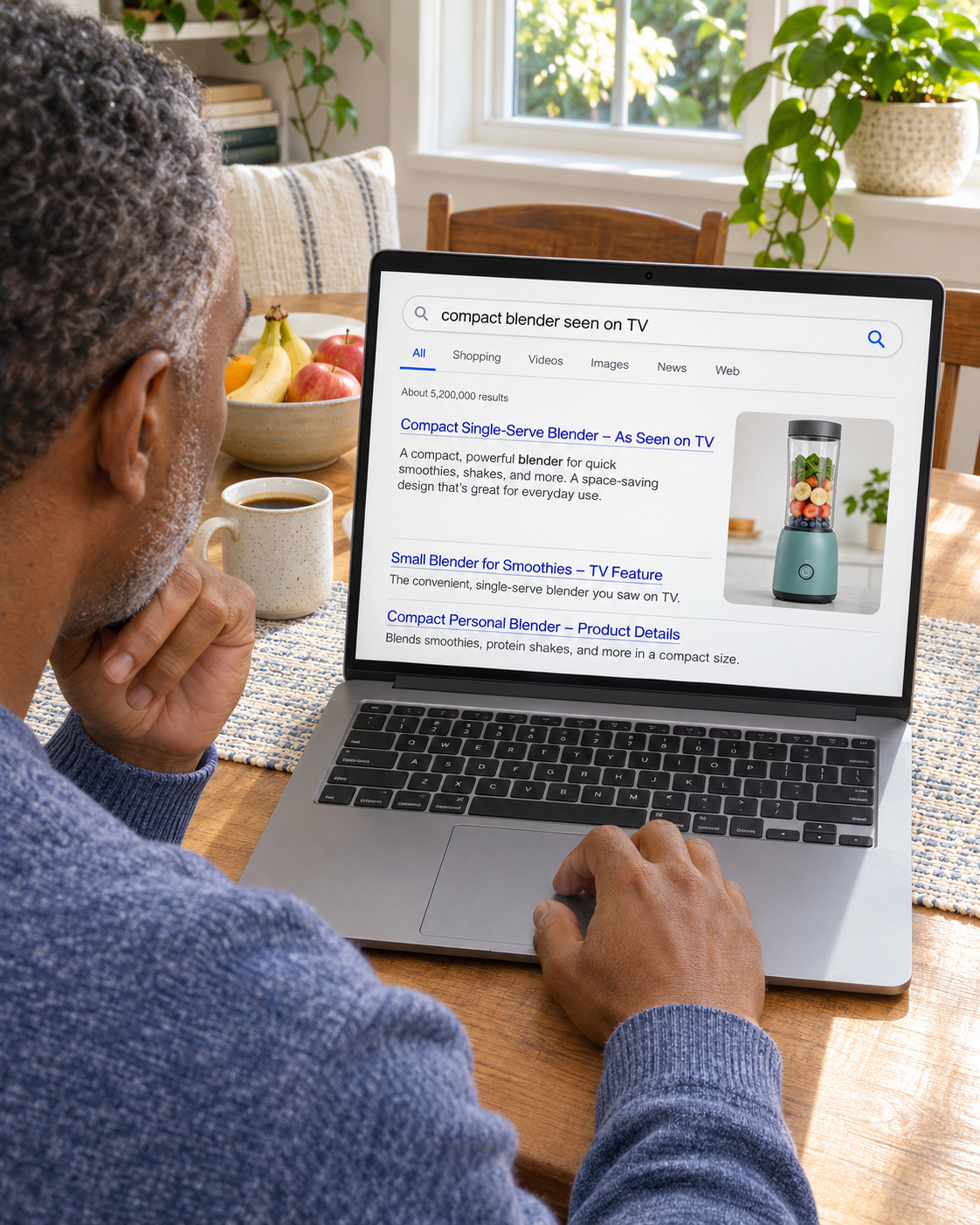
Be Found for the Product Shoppers Remember
Help viewers find the product or brand name they heard in the spot.
Marketing for Direct Response Brands
When a spot draws interest but fewer orders ship, it’s hard to know what to fix. We check how the offer appears in search, on the landing page and on the order line.

Carry the Offer
From Spot to Order

Over 20 Years of Experience
Experience across product websites, campaigns and ecommerce.

Offer and Order Path
Match the advertised product, price and terms on the page and phone.

One Contact for the Campaign
Coordinate offer updates, approvals and reporting with one person.
How We Help
Someone may type the URL, search for the product or call the number. Give them the same offer wherever they respond.
Help viewers find the product or brand name they heard in the spot.

Show the product in use, the advertised bundle and the terms shoppers need to decide.
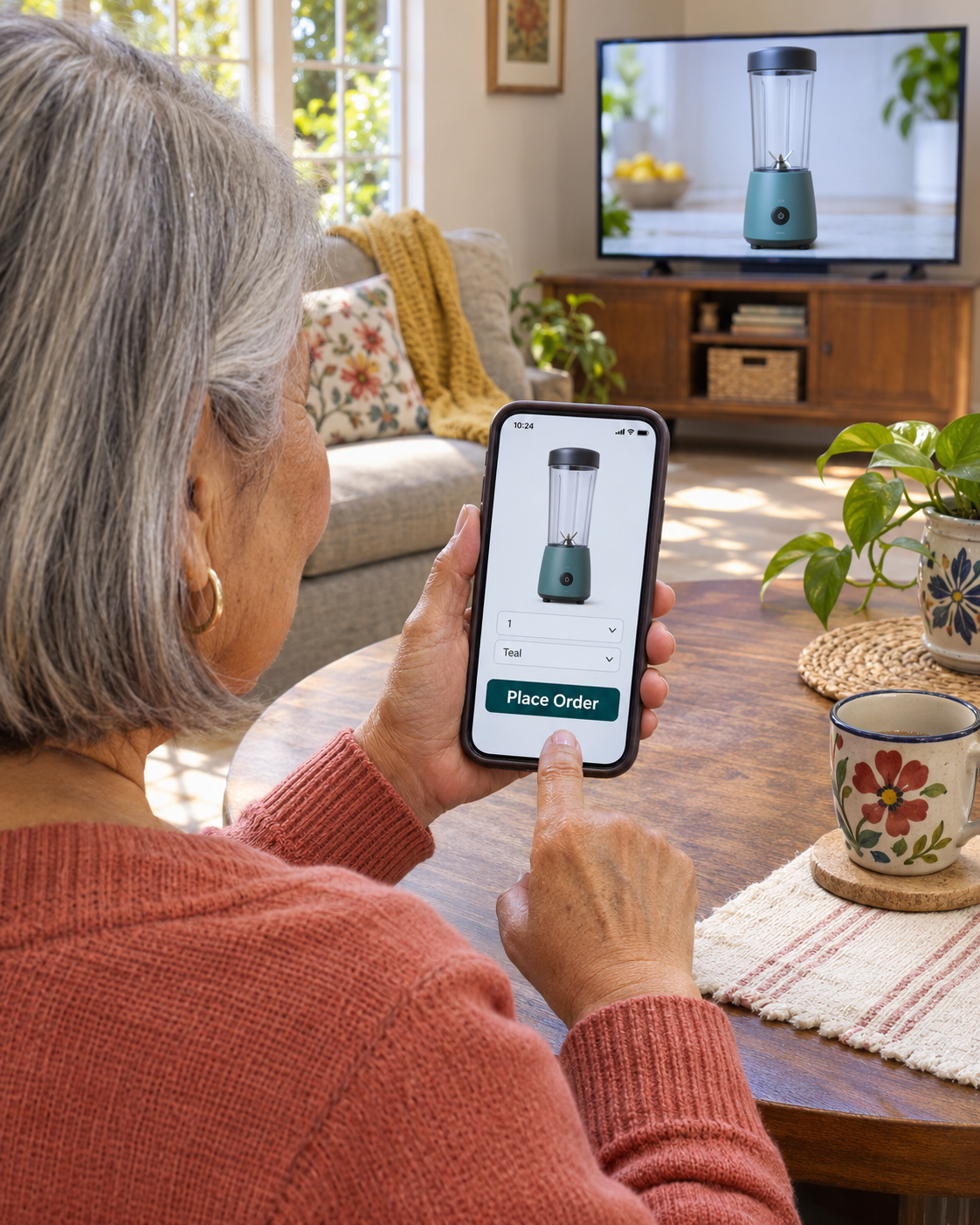
Match the ad to the page or order line that takes the response.
Choose the Response You Want
Start with the exact action you advertise. One campaign sends viewers to checkout, another asks them to call and a retail campaign may direct them to a participating store.
Send buyers to the exact item and included pieces shown in the spot. Show the price and delivery terms before checkout.
Use the approved product name, price and terms in the call script. Confirm who can answer and take orders during the promoted hours.
Show where people can buy. Verify which stores and markets carry the product before promoting local availability.
Where the Offer Can Change
A caller hears a different price, a shopper lands on the wrong bundle or an order gets canceled after the sale. The response report can look steady while fewer orders ship or more come back.
We compare the spot, page, checkout and call script against the approved offer. Then we use the call and order records you can share to find where to test a change before you spend more.
Discuss Your Offer and Response Path
The page or phone script describes an offer different from the one in the spot.

Shipping or other charges only become clear after shoppers start checkout.

The number may take callers to a general queue that cannot answer offer questions or take an order.

Visits, calls and checkout starts do not show which orders shipped or were returned.
How We Work

Gather the spot, landing page, checkout or call script and approved price and terms.

Choose the first difference to fix and the response or order outcome you can review.

Update the agreed pages, search campaigns or response instructions. Set up tracking where the tools and scope allow.

Review tracked response alongside accepted, shipped and returned orders where your records can connect them.
Check what appears when a shopper searches for the product or where to buy it in a promoted market.
Send people to accurate retailer or showroom details and the terms available in that market.
Review store activity or tracked calls by market where records are available.
Local SEO for Regional Campaigns
If the spot directs buyers to a local showroom or retailer, show the location and buying instructions. Verify where the product and offer are available before promoting them.
Website Design for Direct Response Brands
Use the product name, demonstration, price and terms from the spot. Make the order or call option clear on a phone. Show shipping and return terms before payment.
Current Page
The shopper has to find the item from the spot and work out which bundle was advertised.

The buyer may find a similar product without seeing the same price or included pieces.
Focused Page
Show the featured product, the included pieces and the same approved price and terms.
Confirm the item and full total before payment. Show optional extras separately from what the offer includes.
Paid Search for Direct Response Brands
Some viewers search for the brand, product or phrase they remember. Use paid search where it fits the campaign and route those buyers to the offer they recognize.
Start with relevant brand and product searches. Review search terms to see whether the budget reaches shoppers looking for the offer.
Keep the product, bundle, price and terms consistent from the search ad to the page.
Compare tracked responses and orders with shipment, cancellation and return records where they can be connected.
Where Shoppers Look for the Offer
A regional offer may send shoppers to stores. A direct order can reach people across the areas you ship to. Make the buying instructions match the market and the creative.
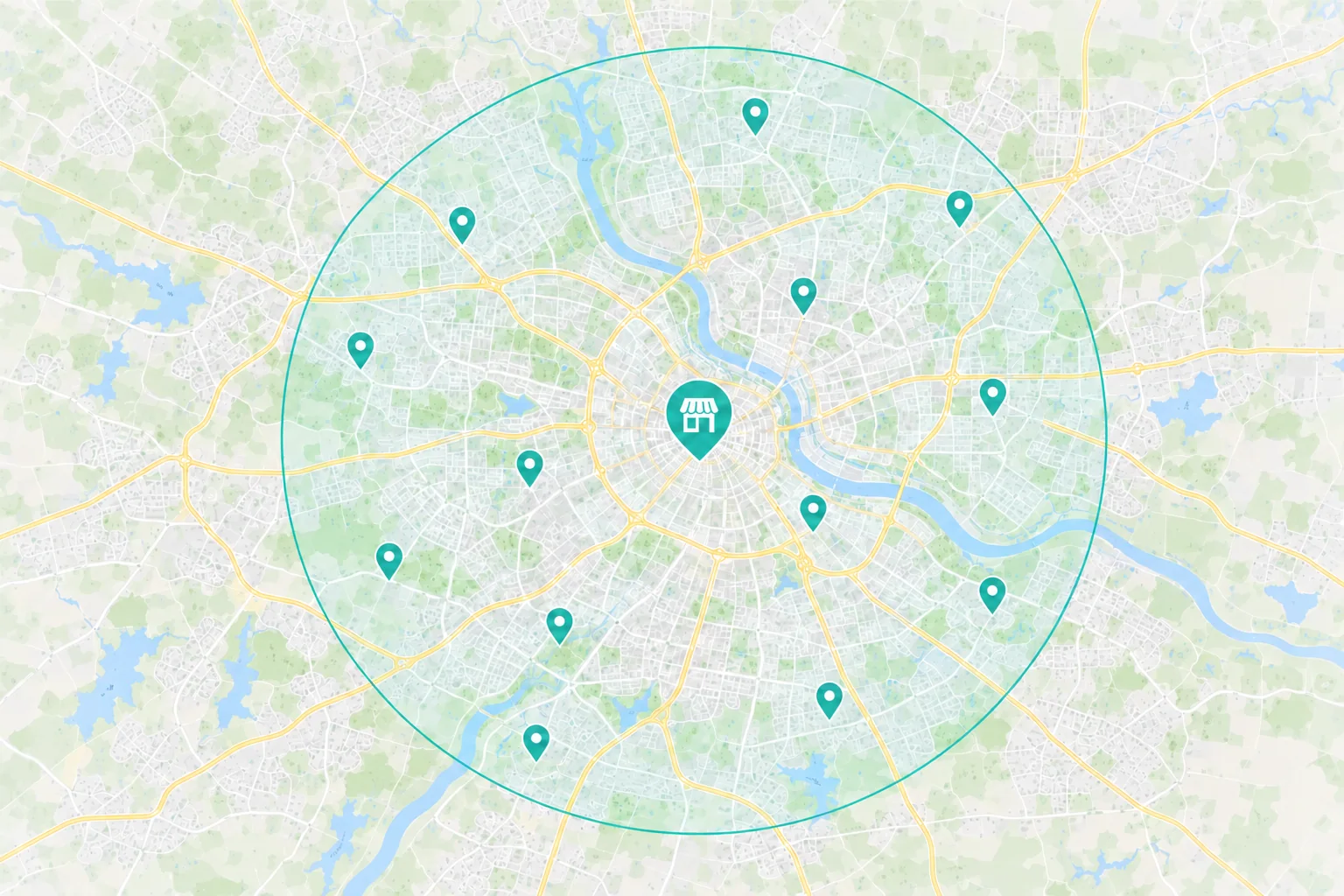
Name the participating stores or markets and tell shoppers how to buy there.
Check that the creative and page reflect the price, availability and terms that apply in each market.
 Ordering the product featured in the spot
Use the same product name and show which pieces the offer includes.
Show the order total, delivery estimate and return terms before payment.
Show the product in use and explain what arrives in the order.
Choose the First Fix
A buyer may stop when the product, price or terms do not match what they saw or heard.
What to Check First
Offer Match
Do the creative, page and call script use the same approved price and terms?
Call Handling
Can callers reach a team that knows the offer and can take the order?
A viewer may search for the name later and land on a general catalog or a different offer.
What to Check First
Branded Search
What appears when someone searches for the brand, product or offer name?
Product Details
Can shoppers recognize the product and see the advertised bundle on the page?
A buyer may stop when the total, delivery terms or included items differ from what they expected.
What to Check First
Total Price
Can shoppers see the full price, shipping and any optional items before paying?
Mobile Checkout
Can someone review and complete the order on a phone?
The Direct Response Journey
One shopper types the URL. Another searches for the product. A third calls the number in the spot. The landing page and the order line should explain the same offer.
 Search & Maps
 Ads & Campaigns
 Referrals

When the Shopper Visits the Landing Page
The advertised item and bundle
The demonstration, price and terms
A way to order or reach the order line
Keep response counts separate from orders. Use the records you can match to review which calls or checkout starts led to accepted orders.
Measure What Turns Into Sales
Calls, visits and checkout starts are responses. Your order records can tell you which orders were accepted, shipped, canceled or refunded. Compare the records where they connect.
Campaign Tracking
Source
Which tagged links, dedicated numbers or offer codes recorded responses? Use airing and order times as context where available.
Action
Count calls and checkout starts separately from accepted orders.
Investment
What did you spend on media and campaign work for the period you’re reviewing?
Order and Call Records
Order Fit
Did the buyer receive the featured product or bundle on the approved terms?
Fulfillment
Track accepted, shipped, canceled, returned and refunded orders separately.
Value
Start with revenue after discounts and refunds. Subtract product, payment, fulfillment and return handling costs, then compare what remains with acquisition costs.

Additionally, I have found Dave and his team proactive in suggesting and testing new angles and they have been extremely prompt in responding to our needs.
Why Choose Revenue Surge?
We’ll choose one offer or response path, agree on what to test and decide what would make the test worth repeating. The proposal shows the work, cost and which parts your media, call or fulfillment teams handle.

Agree whether the work covers landing pages, paid search, offer continuity or response reporting. Confirm who approves the creative and terms.
See agency fees and ad spend separately, with clear approval and review points.
Agree which responses, accepted orders, shipments or sales after refunds your records can show and when to review them.
Dave provided a solid resource and “home” for my clients that needed direction and counsel on how to maximize their digital efforts from digital media strategies, SEO/SEM and optimal website/landing pages that convert.
How We Work Together
Dave coordinates the people working on your landing page, search and reporting. He works with the media, production or order partners you’ve assigned to the project.
Offer, Response and Reporting

Dave Gervase
Cofounder and President
Client Management
Bring offer changes and partner approvals to Dave.
The Expertise Behind the Work

Carries the approved product demonstration and terms into the page.

Builds landing pages and order paths shoppers can use on a phone.

Reviews search, campaigns and tracked response against the agreed offer.
Client Perspectives
Feedback on the design work, partnership, and attention behind the finished website.
It is refreshing to deal with a company which not only simplifies every step of implementation and reporting but, more importantly, does not over promise while often delivering above expectations. The company I am referring to is Revenue Surge...

George Smith
GWS Consulting
Dave and his team were able to crush our lead count goals and the quality is awesome. They were able to scale our business quickly...
Greg Paro
The web design provided by Dave was second to none and we've been in the direct response space for over two decades. With Revenue Surge, we ran creative digital marketing campaigns designed to optimize conversion as well as average ticket price...
Jason Galvin
Herbal Groups
Frequently Asked Questions
Questions about the spot, the order path and what your records can confirm.
Start a Project Conversation
Bring the spot, the advertised offer and what you know about calls or orders. We’ll talk through where response drops off and what you can test first.
What the campaign offers. Share the product, price, bundle and approved shipping or return terms.
Where people respond. Include the spot or campaign brief and the advertised page, phone number or code.
What your records show. Share aggregate counts for calls, accepted orders, shipments, cancellations or returns.
Include the offer and response page or phone path. A summary of your call and order totals is enough for the first conversation.


