



Be Found for a Specific Electrical Service
Help customers see which jobs you handle in the towns you cover.
SEO, Websites and Paid Search
Customers may know you for troubleshooting and never think to call about an upgrade. We make planned electrical work easier to find and request.

Get Found for
More Than Repairs

Over 20 Years of Experience
Experience connecting search and ads with useful service pages.

Clear Electrical Service Pages
Give troubleshooting and planned electrical work separate contact options.

One Contact for Your Project
Bring changes to your service list, availability and approvals to one person.
How We Help
Someone reporting a fault needs a phone option. A customer planning a panel upgrade or charger installation needs to know what the office asks before an estimate.
Help customers see which jobs you handle in the towns you cover.

Say what happens when someone calls about a fault or asks for an upgrade estimate.

Match the ad to the job, property type and area your team can serve.
Choose the Work You Want
A fault starts with a description of what the customer noticed. A panel upgrade may need an assessment. A commercial project starts with the site, scope and when your crew can access the property.
Show which issues you take calls for, where you work and when your office can answer.
Explain what the estimate visit covers and what your office needs to know about the property before scheduling.
Describe the facilities and jobs you take. Ask managers about site access, tenant coordination and when work can take place.
What Your Office Needs Before Scheduling
Larger projects may still come mainly through referrals. A homeowner planning a panel upgrade or a facility manager arranging work around tenants may look elsewhere when your site gives them only a list of services.
We check which pages appear for upgrades and commercial work. Then we show what your team handles, use project examples you approve and give customers a way to share the property and scope before your office schedules a visit.
Discuss How Your Office Handles Electrical Requests
A customer cannot tell whether you take service calls at their address.

The page leaves them unsure whether to describe the property, the work or their preferred timing.

Your office may need to know which spaces are occupied, who can arrange access and when crews can work before it schedules a visit.

Call totals do not show which faults led to a service visit or which planned projects received an estimate.
How We Work

Choose the electrical work to promote and confirm the property types and areas you serve.

Agree on what to improve first and what the office can confirm, such as troubleshooting visits or panel estimates.

Update the pages, listings or ads in scope. Set up reporting for calls and estimate requests where tracking is available.

Ask which requests the office could route, which visits took place and which estimates customers accepted.
Check which listing, service and phone details appear for electrical troubleshooting in a town you serve.
Show the work you handle, your coverage and when the office can answer service calls.
Ask which calls fit your coverage and whether customers reached the office that handles the work.
Local SEO for Electricians
We review what appears in Search and Maps for the work you want to promote. Check that each listing leads to accurate service, town and contact details.
Website Design for Electricians
Put the phone number and staffed hours on the troubleshooting page. For planned work, explain what an estimate covers and which details to share about the property.
Current Page
The customer sees panel upgrades in a list without knowing what the visit covers.

Your office needs to ask about the property and the work before it can arrange an estimate.
Focused Page
Explain which panel upgrades you handle, where you work and when a site visit may be needed.
Ask for the ZIP code, property type and planned work. Let the customer describe the current setup if they know it.
Paid Search for Electricians
Pick a job your team can schedule and an area it serves. Send people to a page that explains the work and has the right contact option.
Choose the jobs, properties and towns your team serves. Check who handles the calls or forms before launching.
Send someone who searches for an EV charger installation to the page for that service if you offer it. Explain which properties you serve and how to request an estimate.
Compare tracked calls and forms with visits, estimates and booked work where your records can connect them.
Electrical Service and Project Coverage
A troubleshooting visit may need a nearby crew. A planned upgrade may fit a wider area if the project and schedule support the travel. Show the coverage that applies to each service.
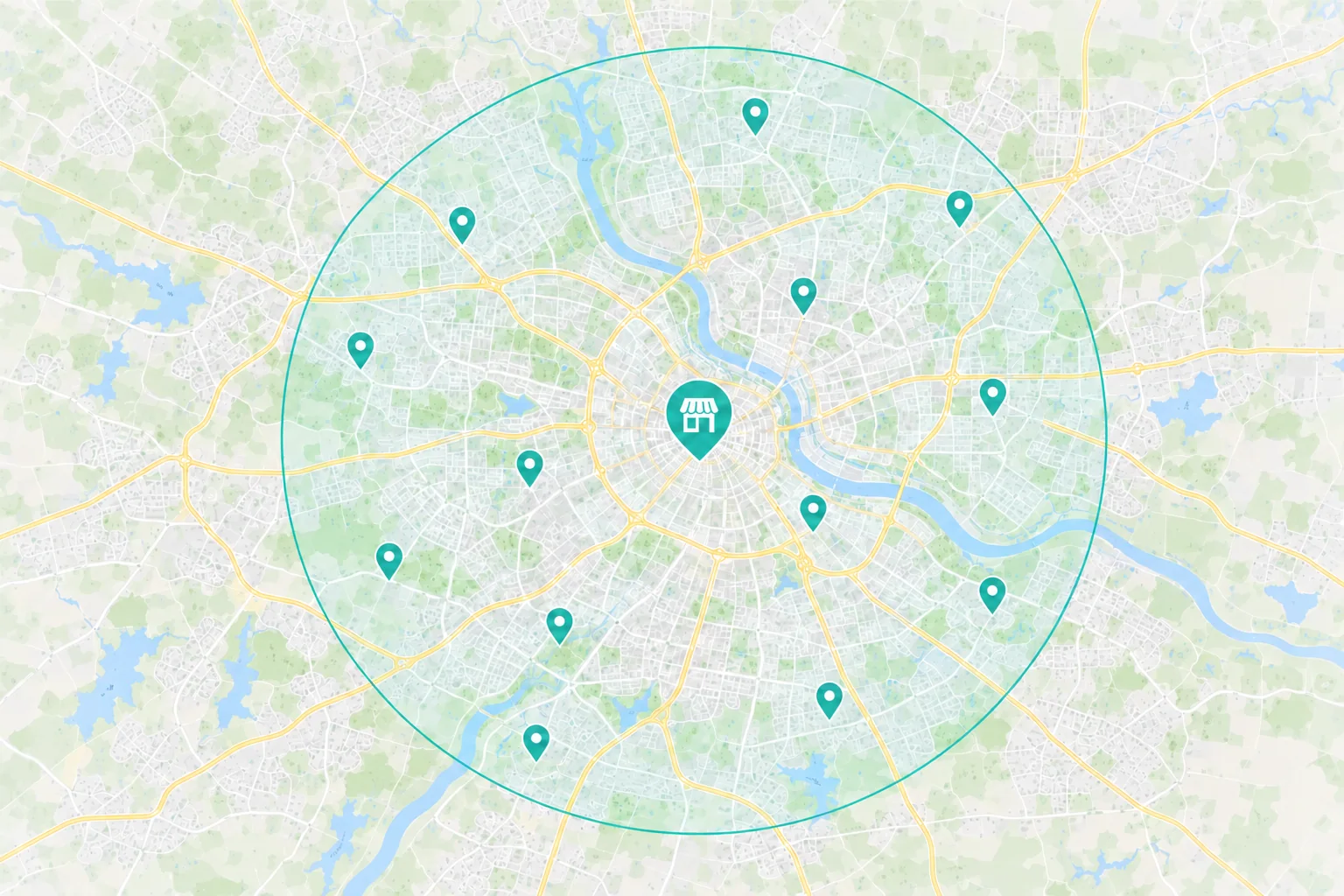
Show the towns or ZIP codes you cover and when someone can reach your office.
Explain what details customers can share about the issue and how your office confirms the visit.
 Planning a panel or charger installation
Name the property types and electrical work you can take, including charger installations if offered.
Ask for the ZIP code, property type and planned work. Explain when your team needs to see the site.
Show approved examples of work like the upgrades or installations you want to promote.
Choose the First Fix
Someone with a breaker that keeps tripping may submit a project form because they cannot find the troubleshooting number.
What to Check First
Troubleshooting Phone Option
Does the service page show a staffed number for troubleshooting?
Service Area
Can customers check the ZIP codes your service crew covers?
A homeowner may see ‘electrical services’ and still have no idea whether your team takes panel upgrades.
What to Check First
Search and Maps
Which page appears when someone searches for a panel upgrade in your area?
Service Detail
Can they see what your team handles and how the estimate visit works?
A property manager may need to schedule work around tenants or operating hours and still be unsure which details to share.
What to Check First
Unanswered Questions
Does the page say which facilities you serve and what the office needs before a visit?
Phone Experience
Can someone submit an estimate request from a phone?
From Search to Estimate
Someone with a fault may call directly from Maps. A homeowner planning a panel upgrade or a facility manager comparing contractors may look for project details and an estimate process first. Give each a clear way to reach your office.
 Search & Maps
 Ads & Campaigns
 Referrals

Your Website Has a Job
The electrical work they need
Property types, coverage and staffed hours
How to call for service or ask for an estimate
Your office checks the location and work before scheduling a service call or estimate visit. Review each outcome separately.
Measure What Turns Into Work
A call count shows how often people got in touch. Your team can confirm which troubleshooting visits took place and which upgrade or installation requests turned into estimates and approved work.
Available Marketing Evidence
Source
Which tracked campaigns or service pages brought in calls or estimate requests?
Action
Separate fault calls from panel upgrade, charger installation or other planned work. Set aside duplicates and spam where possible.
Investment
What did you spend on ads and agreed marketing work in the period you’re reviewing?
Your Team Helps Confirm
Job Fit
Did the location, property type and work match what your team could take?
Outcome
Track troubleshooting visits separately from site visits, estimates sent and accepted installation or upgrade work.
Value
Compare the labor, materials and travel involved in service calls with the costs of planned jobs where your records allow.
Why Choose Revenue Surge?
We’ll choose the electrical service, coverage and estimate process to work on first. The proposal explains what we’ll change, what it costs and what we’ll review with your office.

Name the service pages, listings, campaigns or contact steps covered by the proposal.
See agency fees and ad spend separately, with clear approval and review points.
Choose the service visits, site visits, estimates or accepted work your office can confirm.

Dave and his team never cease to amaze us with completion of every item on a Scope of Work as well as offering many additional services with fair pricing.
How We Work Together
Dave coordinates the people working on your site, search and ads. Tell him when service coverage, estimate instructions or installation availability change.
Electrical Services, Coverage and Estimates

Dave Gervase
Cofounder and President
Client Management
Keep Dave informed when you add services or change coverage.
The Expertise Behind the Work

Explains the work you handle and what customers need before requesting a visit.

Builds pages, phone links and estimate forms customers can use on a phone.

Keeps search and advertising aligned with the properties, services and towns your team covers.
Client Perspectives
Clients in other industries describe how we scope projects, communicate and follow through.
Great experience working with Revenue Surge to not only build a website for my firm's real estate business but also consulting on effective logo design and SEO. Would absolutely recommend Dave and fully trust his expertise...
Shae Herman
A partner that brings Unique conversion enhancing skills to their clients sites resulting in the highest upsell revenue per impression of any of our partners...

Steve Howard
Affinion Group
Their broad mix of online and offline offers combined with dynamic banner presentations sets Revenue Surge apart from other suppliers. Conversions rose sharply as soon as they were plugged in...

Todd Davies
As Seen on TV
Frequently Asked Questions
Questions about service calls, planned upgrades and the estimate process.
Start a Project Conversation
Tell us which upgrades or commercial jobs fit your crew and where those requests come from today. We’ll review what homeowners or property managers see when they search for that work.
Where you take service calls. Share the towns or ZIP codes you cover and where you take larger projects.
Which work to focus on. Tell us whether to start with troubleshooting, panel upgrades or commercial electrical work.
What the office asks first. Share the property or project details your team needs before confirming a visit.
Include your website, service area and the work you want to promote. Use general examples and leave out customer names and exact addresses.


