


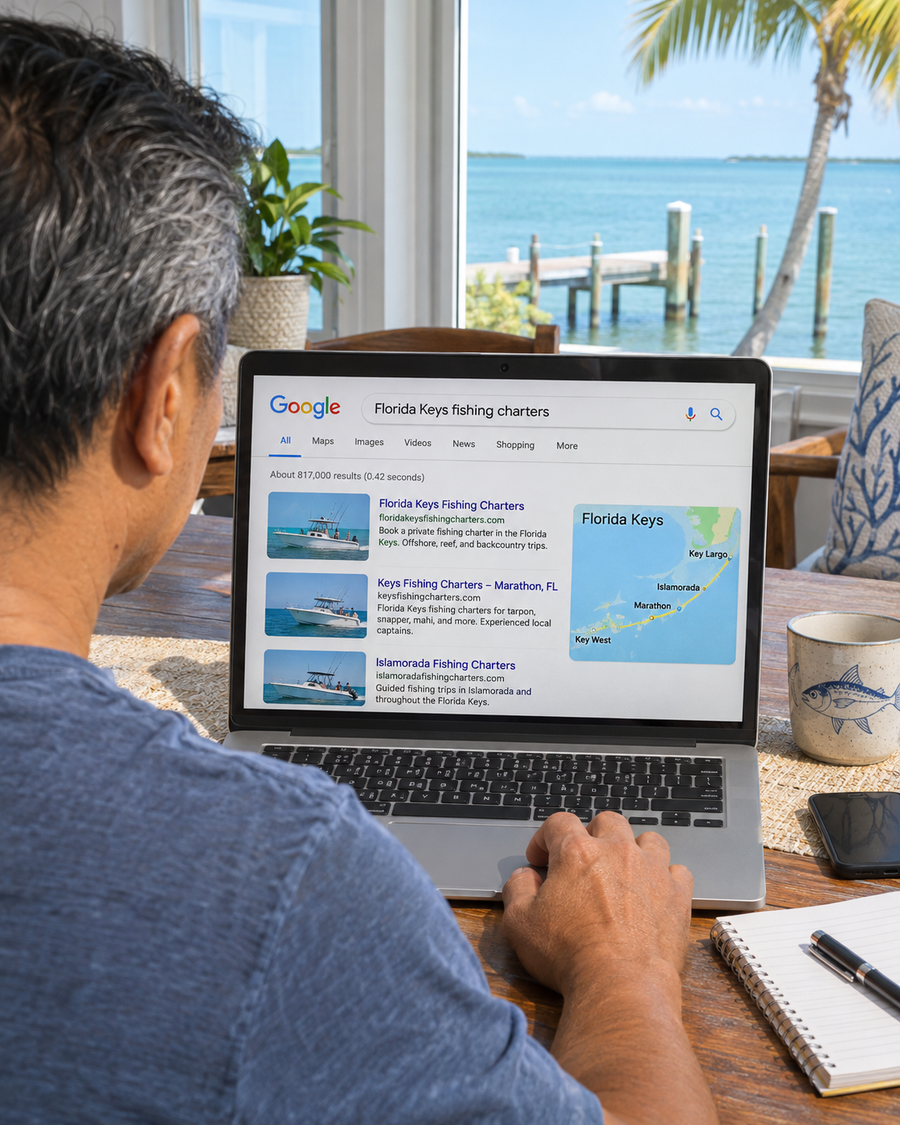
Show Up for the Trips You Run
Connect the fishing style and trip length to the port where you depart.
For Charter Captains and Operators
Your boat can sell out Saturdays and sit at the dock on weekdays. We help guests find trips with room on the calendar and see how to reserve.
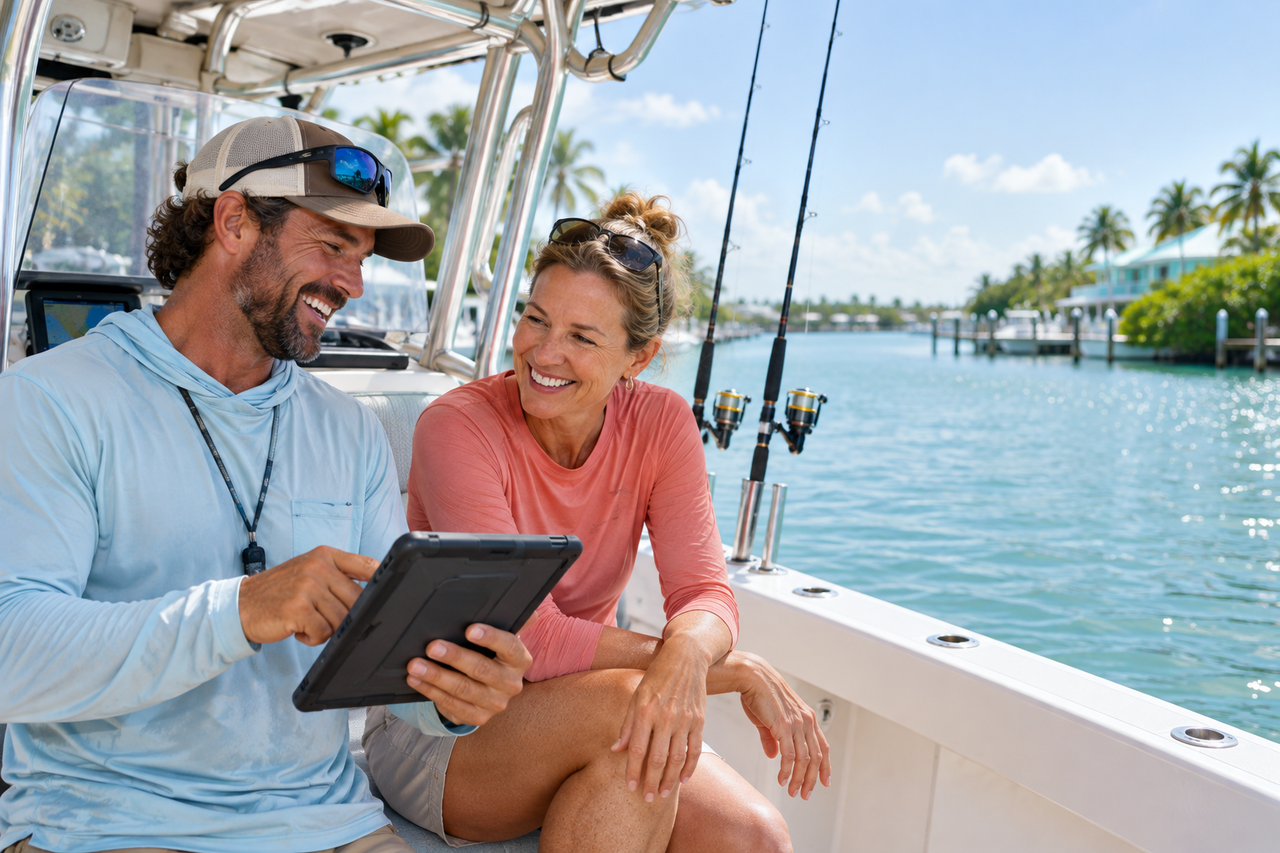
Book More Trips
on Open Dates

Over 20 Years of Experience
Experience with websites, search and digital campaigns.

Trip Pages Guests Can Use
Show the trip, departure point and how to check dates.

One Contact for Your Charter
Share changes to trip options, ports and booking terms with one person.
How We Help
People need to know where you depart, whether a trip suits their group and how to check a date. Give them those details where they find you.
Connect the fishing style and trip length to the port where you depart.
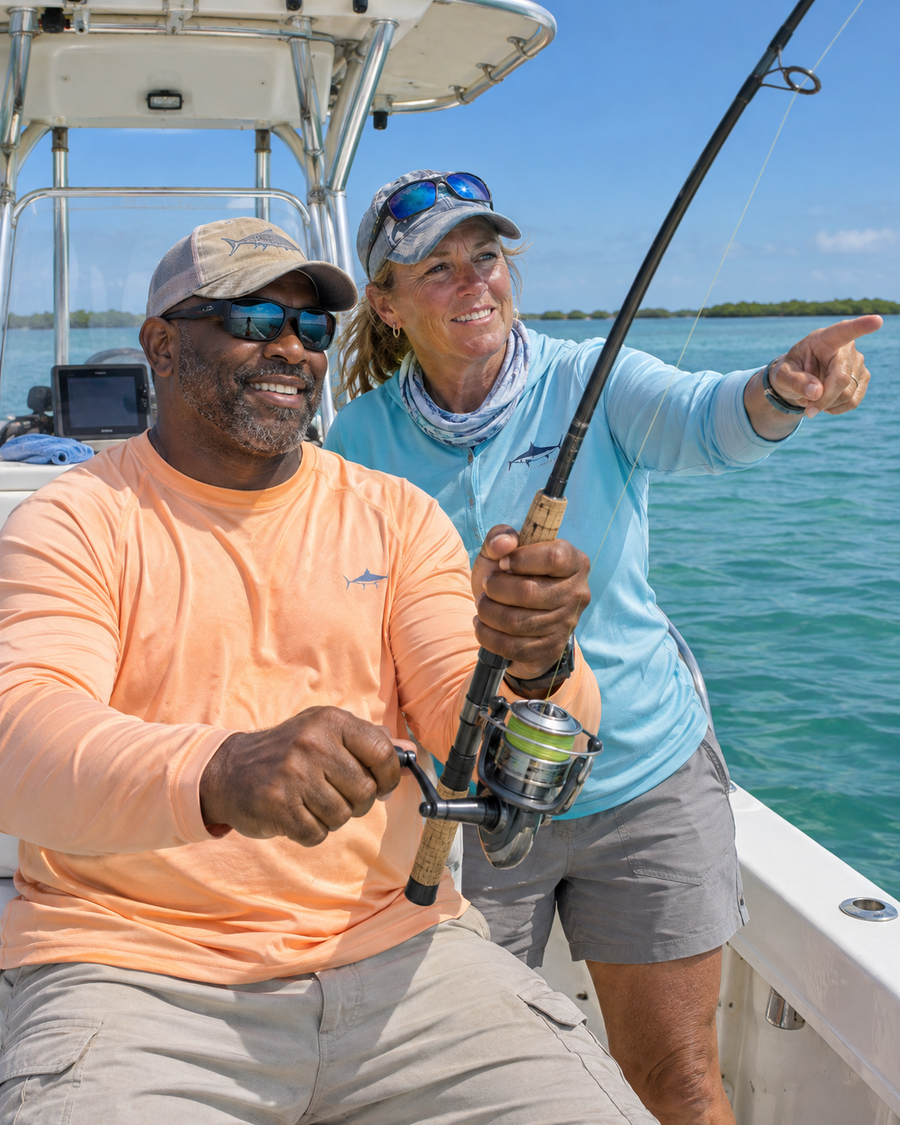
Use photos from actual trips. Explain what the rate covers, how many people can come and what guests should bring.
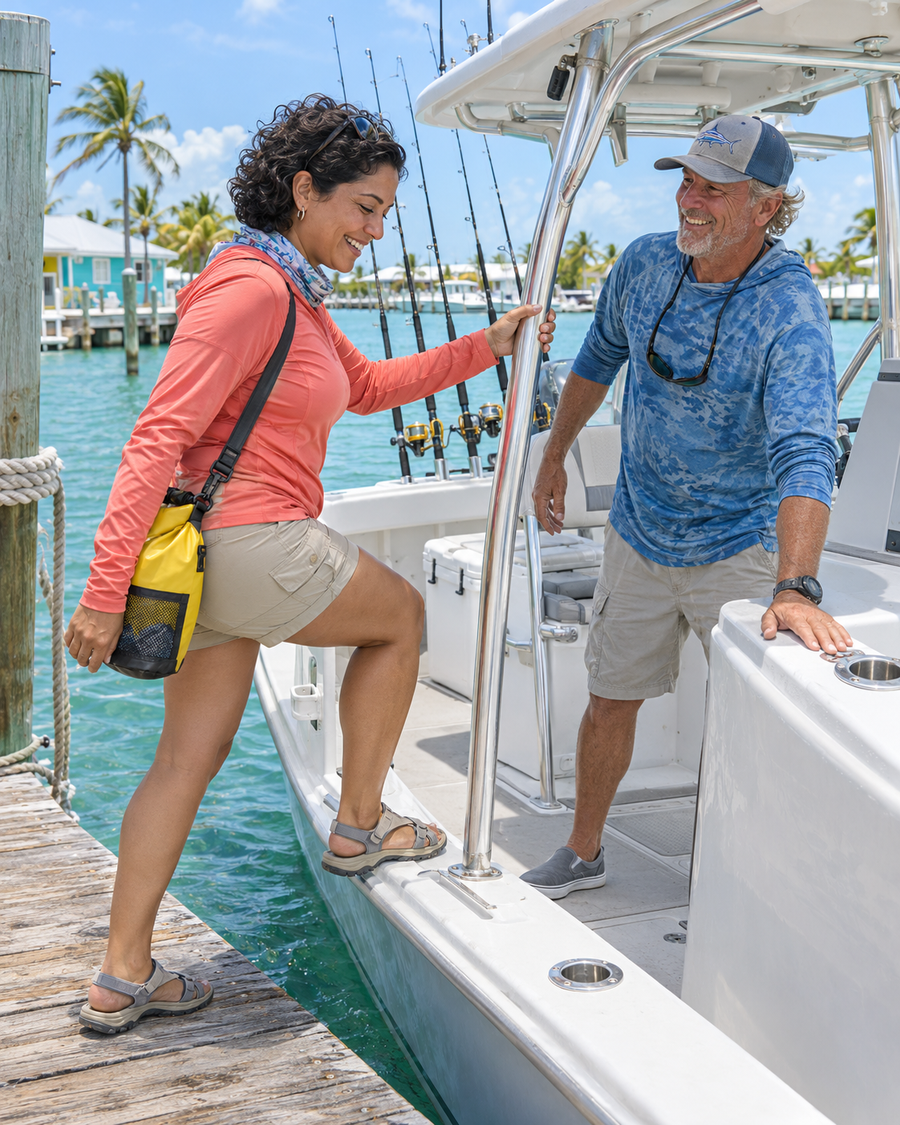
Match the campaign to a trip and booking window the captain can confirm.
See how website and search work supported a charter business serving Islamorada and Key West. See the Forever Young Case Study
Plan Around Your Trips and Guests
A family choosing a shorter trip asks different questions from experienced anglers planning a full day. A group booking the boat privately needs to know what the rate covers and how many guests can come.
Explain the duration, any age or experience requirements and what equipment is included.
Describe the fishing style and the species guests may target by season. Explain how conditions can change the plan.
Show the maximum party size, whether the rate covers the whole boat and where the group meets the crew.
What Guests Ask Before They Commit
Guests may keep asking about a Saturday you’ve already sold out while Tuesday sits open. Someone who could go then may never find that trip or know if it suits their group.
We check what guests see for the trip, port and dates you want to fill. Then we update the listing, trip page or campaign and review which requests become confirmed reservations.
Discuss Your Trip and Booking Priorities
A person sees a destination name but cannot tell which marina or dock the boat leaves from.

A page may list trip lengths without saying how many guests can come or whether beginners are welcome.

Guests may think they are booked when the form only asks the captain to check availability.

Calls and date requests cannot tell you which trips were confirmed, rescheduled or completed.
How We Work

Choose a trip, departure port and dates you can promote. Confirm which groups the boat can take.

Find the first question guests cannot answer and agree on the outcome to review, such as confirmed reservations for that trip.

Update the agreed listings, trip pages or campaigns. Check whether guests can reach the correct calendar or captain.

Compare requests with confirmed dates, then review reschedules or cancellations where your booking records allow.
Check what appears for an inshore trip or private charter near your port. Confirm that the listing points to the correct departure.
Send guests to the trip page with the right marina, meeting instructions and booking option.
Review which trips and ports guests asked about and whether the requests fit the dates you could offer.
Local SEO for Fishing Charters
We review what appears in Search and Maps for your trips and ports. Make sure guests can confirm the marina, departure point and trip details on the page they reach.
Website Design for Fishing Charters
Show duration, capacity, rates and what guests should bring. Use photos from your boat and trips. Put any required deposit and your approved weather terms beside the booking option.
Current Page
Guests see several trips but cannot compare duration, party size or what the rate includes.

The captain has to explain the trip, confirm the marina and check the date before the guest can decide.
Focused Page
Show the marina, trip length, maximum party size and what the rate includes.
Ask for the preferred date and party size. Explain whether the calendar confirms a trip or the captain will respond.
Paid Search for Fishing Charters
Choose a trip and a booking window the boat can serve. Match the ad to the right departure port and explain how to check availability.
Confirm the trip, port, party limits and dates to promote. Stop or update ads when those departures are no longer available.
Send guests to the trip shown in the ad. Use consistent rates, departure details and applicable booking terms.
Compare tracked calls or requests with confirmed reservations where booking records can connect them.
How Guests Find Your Port
Someone already near the marina may want to fish this week. A traveler may compare trips before booking a stay. Help both verify where the trip leaves and whether the date is available.
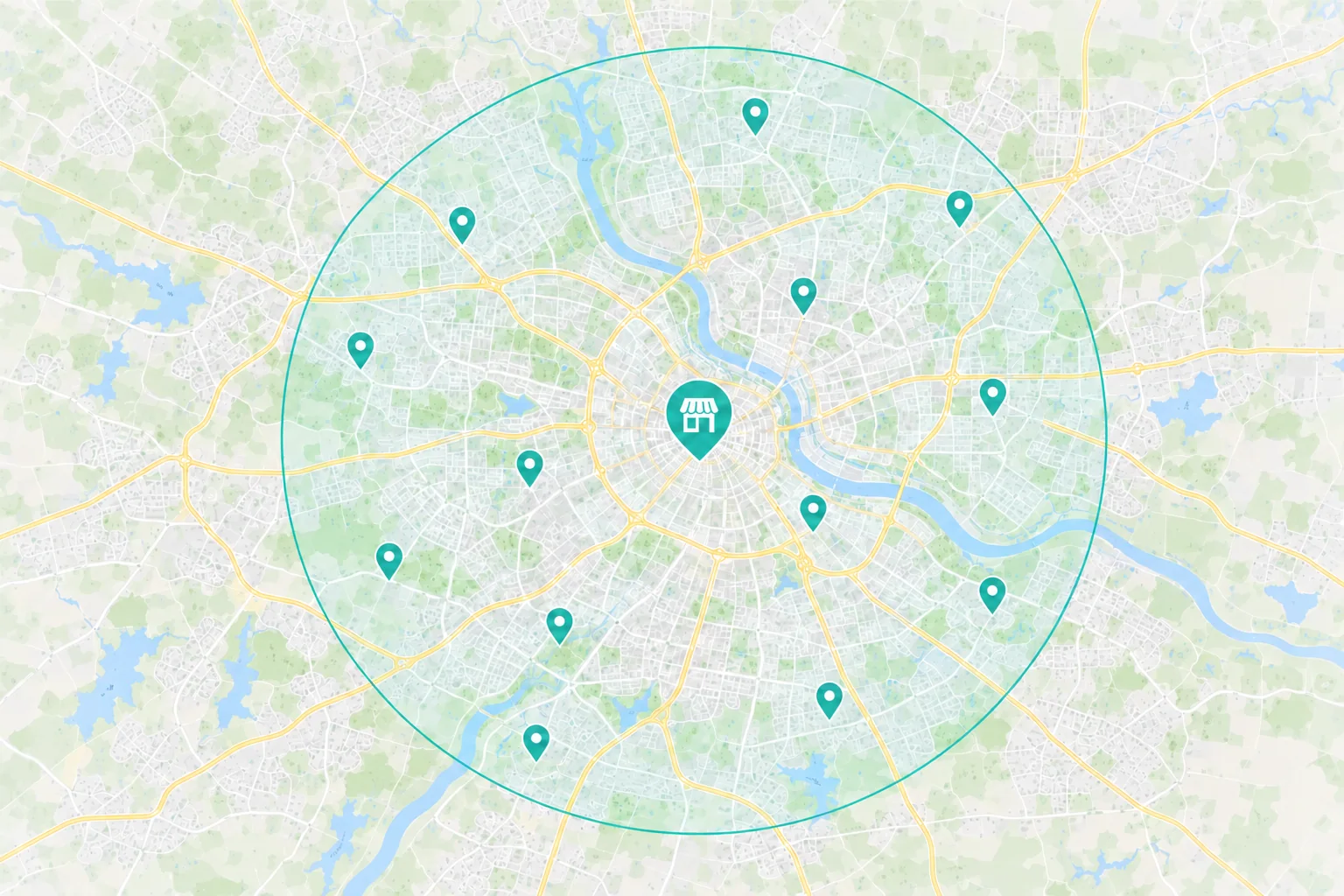
Show the port, meeting point and how to check current availability.
Use consistent port and contact information on your listing and trip pages. Repeat the meeting point and check in time after confirmation.
 Comparing trips before a vacation
Explain duration, group size, fishing style and any age or experience requirements that apply.
Show what confirms a booking, when payment is due if required and how the captain handles weather changes.
Use photos and guest reviews you can publish to show what the experience is like.
Choose the First Fix
A family or private group may reach the wrong page when every trip looks the same in search.
What to Check First
Search Terms
Which trip and marina appear when someone looks for the experience you offer?
Group Fit
Can guests tell whether the trip suits their party size and experience before calling?
A shorter family trip can be hard to find if the site lists every departure on one page.
What to Check First
Search and Maps
Does the listing lead to the trip guests searched for or a general list?
Trip Detail
Can guests see the duration, what the rate covers and what to bring?
Someone may want to book and still hesitate if the deposit, cancellation or weather process is unclear.
What to Check First
Unanswered Questions
Can a guest read the terms and see whether the date is confirmed before paying?
Booking on a Phone
Can a guest check availability or reach the captain from a phone?
The Guest Booking Journey
A family finds a half day trip, checks whether children can come and confirms where to meet. Before asking for a date, they read what the trip includes and what happens if weather changes.
 Search & Maps
 Ads & Campaigns
 Referrals

The Trip Page
Trip length, departure point and party size
Photos from actual trips and what the rate includes
Availability and the applicable deposit and weather terms
The captain or booking system confirms the trip. Make it clear when the guest has reserved the date and what they should expect next.
Look Beyond the Inquiry Count
A call or date request records interest. Your booking system can show whether the trip was confirmed, moved to another date, canceled or completed.
What Marketing Can Track
Source
Which tracked campaigns, listings or trip pages brought in calls or date requests?
Action
Did someone call, check availability or send a request? Review those actions separately from reservations.
Investment
What did you spend on advertising and agreed agency work?
What Your Team Can Confirm
Trip Fit
Did the party size, port, trip and requested date fit what you could offer?
Reservation
Record confirmed trips, deposits if required, reschedules and cancellations where your records support them.
Trip Value
Compare completed trips and available departures. Consider refunds or weather changes when reviewing the results.

Dave at Revenue Surge made a huge difference for my company. He reworked the website, enhanced the SEO, and helped me launch my second location.
Why Choose Revenue Surge?
For Forever Young, we worked on website design, copywriting and local SEO for spearfishing charters in Islamorada and Key West. For your charter, we’ll agree on the first trip, port and booking step to support.

Name the trip pages, listings, campaigns or reservation steps included in the proposal.
Review agency fees and any ad spend separately, with clear approval and review points.
Agree on which calls, date requests and confirmed trips your records can show, and set a review date.
His website design was flawless and very user friendly.
How We Work Together
Dave coordinates the people working on your site, search and ads. Tell him when you add a trip, change the departure point or update booking terms.
Trips, Departure Ports and Booking

Dave Gervase
Cofounder and President
Client Management
Bring trip updates and booking approvals to Dave.
The Expertise Behind the Work

Explains the trip, rate and departure using photos your team approves.

Builds trip pages that connect to your phone, calendar or booking system.

Promotes the trips, ports and departures your boat can serve.
Client Perspectives
Clients describe how we work with their teams on websites, search and marketing.
Their broad mix of online and offline offers combined with dynamic banner presentations sets Revenue Surge apart from other suppliers. Conversions rose sharply as soon as they were plugged in...

Todd Davies
As Seen on TV
Dave at Revenue Surge was vital in helping us get our new fishing charter business in Marathon, FL off the ground and ranked quickly with Google...

Bob Kozak
2 Nauti Charters
He reworked the website, enhanced the SEO, and helped me launch my second location. In less than a year my second location is ranked top three for my industry, with my primary location ranked number one...
Captain Tony Young
Forever Young
Frequently Asked Questions
Questions about trip pages, departure ports and how guests reserve.
Start a Project Conversation
Tell us which trip has openings and how guests reserve today. We’ll review what people find and where they may stop before confirming a date.
Where you depart. Share the port or marina for the trip you want to promote.
Who the trip is for. Tell us the fishing style, trip length and party size your boat can serve.
How you confirm a date. Share your booking link or tell us what guests do to reserve with you.
Include your website or booking link, departure port and the trip you want to promote.


