


Make Collections Easy to Browse
Group items by the uses, rooms or materials shoppers look for.
Search, Product Pages and Paid Campaigns
When orders stall, your money is still tied up in stock. We help shoppers find the right item and check dimensions and delivery costs before they buy.
Help Shoppers
Choose What Fits

Over 20 Years of Experience
Experience across product websites, search and advertising.

Useful Product Details
Show scale, materials and what comes in the box.

One Contact for Your Product Line
Coordinate collection updates, stock changes and campaign approvals.
How We Help
Give buyers a way to browse by the room, use or size they have in mind. Then show the details that help them choose a variant and order it.
Group items by the uses, rooms or materials shoppers look for.
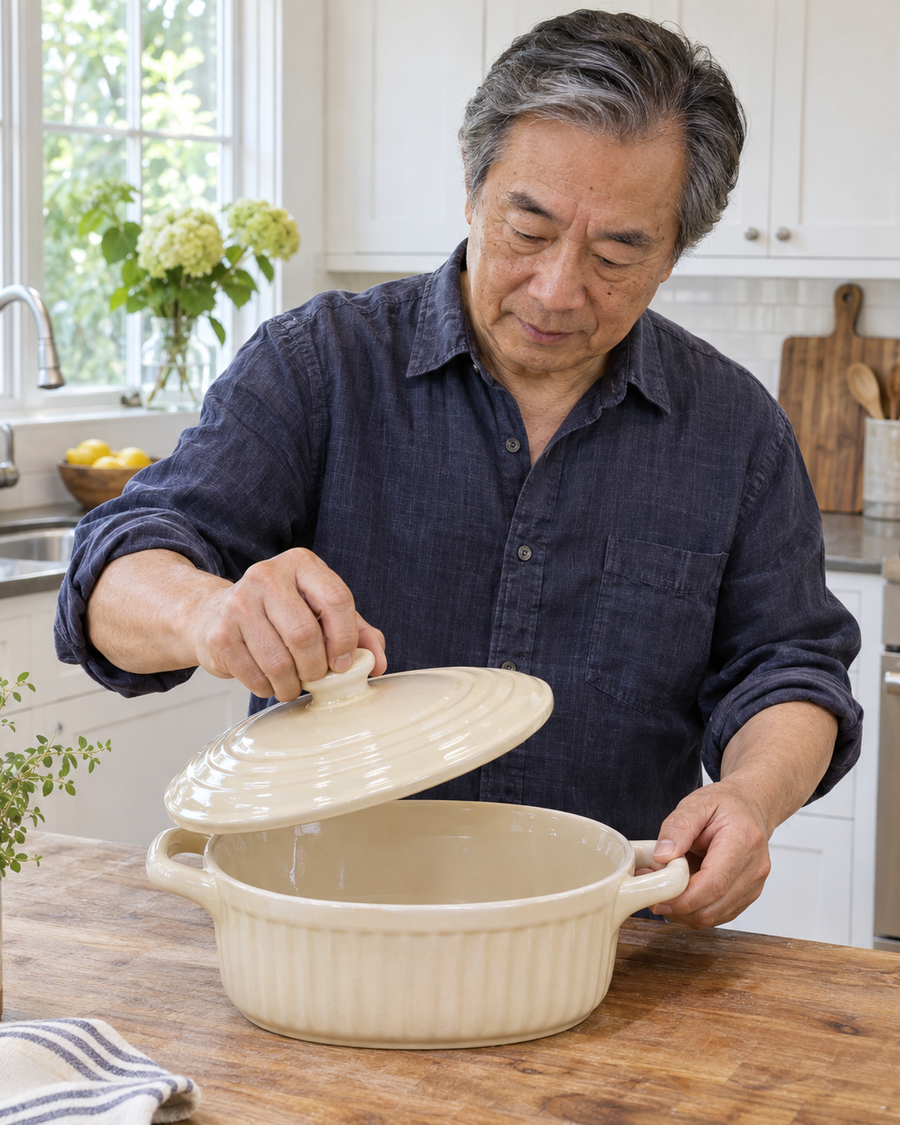
Give buyers measurements, materials, care details and photos that show scale.
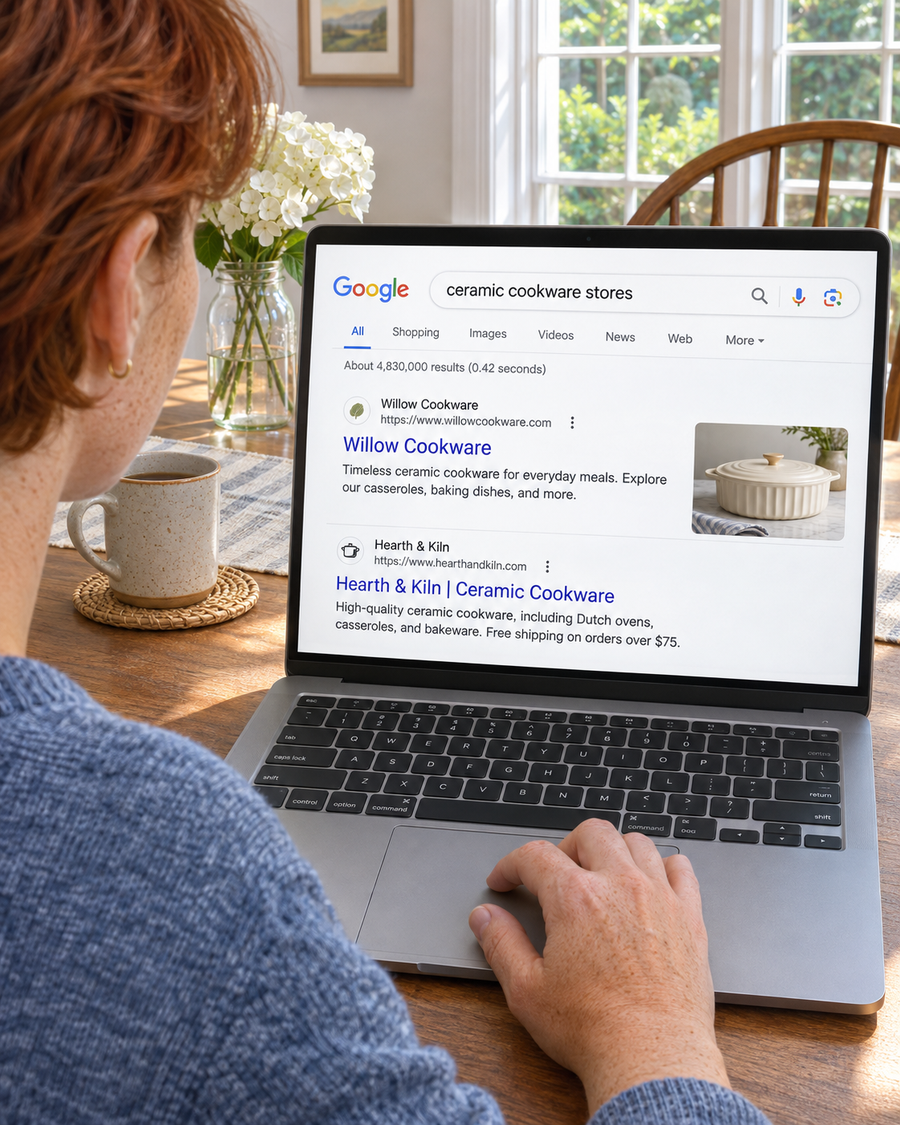
Send shoppers to the exact item, variant or set in the campaign.
Choose the Products to Grow
A cookware buyer may compare pan sizes, someone furnishing a room may check materials and scale, and a shopper replacing a household supply may need to find the right refill.
Show the dimensions, materials and pieces included. For cookware, distinguish the usable cooking area from the outside measurement with handles.
Show scale and finish in room photos. Identify which pieces are sold separately and which come as a set.
Explain which products each refill or accessory fits, and make the correct option easy to choose.
Where Shoppers Still Have Questions
A cookware set can look right in a photo and come back because the largest pan doesn’t fit the buyer’s oven. Someone shopping for a bulky item may leave when the freight charge appears at checkout.
We check where buyers see dimensions, stock, delivery costs and return terms. Then we improve the product page or checkout and review the cart, order and return records you have before you spend more.
Talk Through the Buying Decision
Buyers cannot find the size, use or material they need within the collection.

A room photo looks appealing but does not show dimensions or how the item sits alongside common objects.

Shoppers only see the shipping charge or freight terms after they start checking out.

Paid order counts do not show what came back, what was refunded or why.
How We Work

Choose a product or set you can stock and ship. Ask what a buyer needs to check before choosing it.

Choose the first change and the outcome to review, such as checkout completion, fulfilled orders or returns.

Update the agreed collection pages, product details or campaigns. Check which store and campaign events you can verify.

Review paid orders, cancellations, returns and repeat orders where your records support them.
Check what appears for stackable bakeware and storage in a small kitchen.
Send buyers to the collection or set that shows the pan sizes, how they stack and what comes with it.
Compare product views, cart additions and paid orders for the set where your store can report them.
Search Visibility for Home Goods Brands
We review how collections appear in search and how buyers browse them by use, room, size or material. If you sell through eligible shops or offer pickup, our local SEO work can also help people find those locations.
Website Design for Home Goods Brands
Use photos of the item in a real setting to show scale. Put measurements, materials, care instructions, variant options and included pieces close to the buying controls. Make delivery and returns easy to check.
Current Page
A shopper sees the whole catalog and has to work out which set stacks and what size the pans are.

The shopper takes extra steps to find dimensions, set contents and delivery costs.
Focused Page
Show the size of each pan, including the outside dimensions with handles, the material and which pieces come in the set.
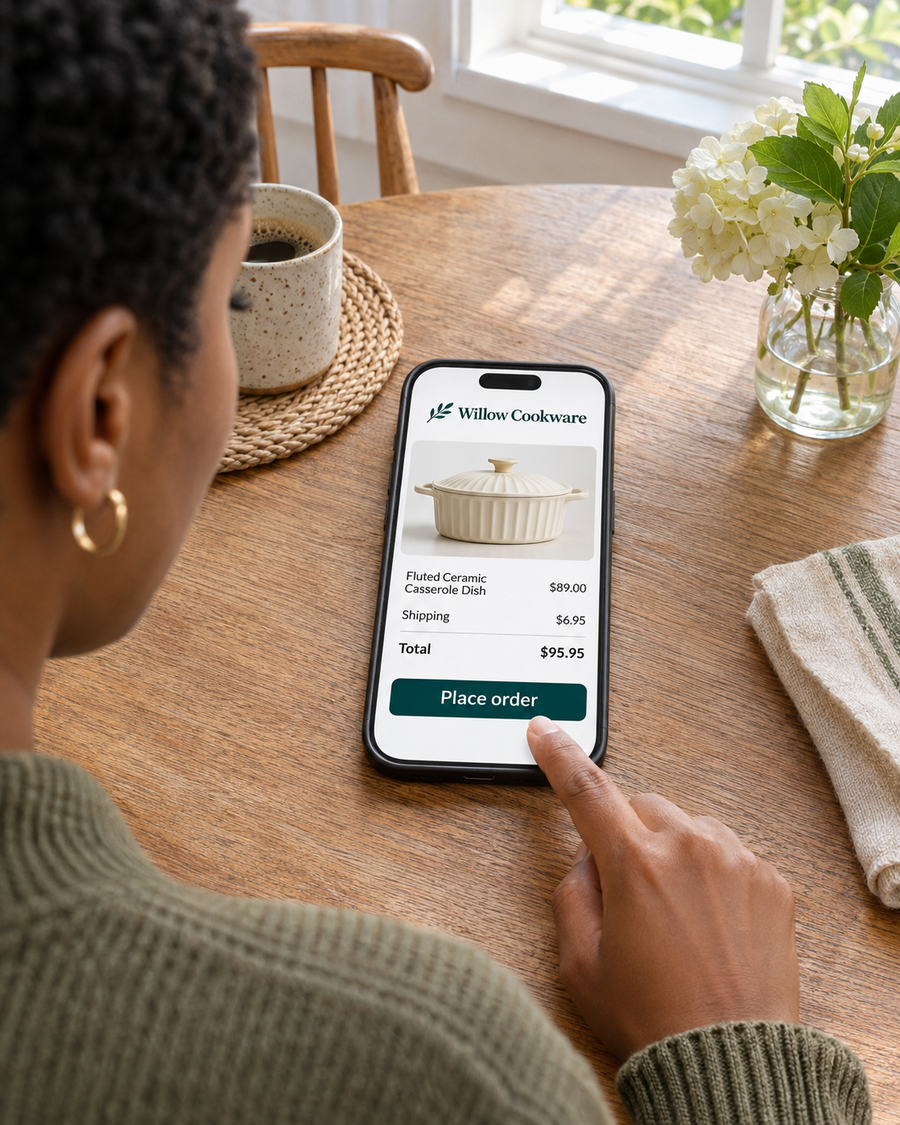
Confirm the selected set, price and expected delivery before payment.
Paid Search for Home Goods Brands
Pick an item or bundle with stock available for the campaign. Make sure the page shows the same item, price and delivery terms as the ad.
Choose a collection, confirm which variants are in stock and check the shipping areas and costs before setting the budget.
A bakeware set ad should land on that set with the same included pieces, price and delivery terms.
Compare tracked orders with store records where they can be connected. Check stock, shipping and checkout before raising spend.
Where Shoppers Can Buy
Someone shopping nearby needs to know where they can see or collect an item. An online buyer needs to know what ships, what delivery costs and whether the item can be returned.
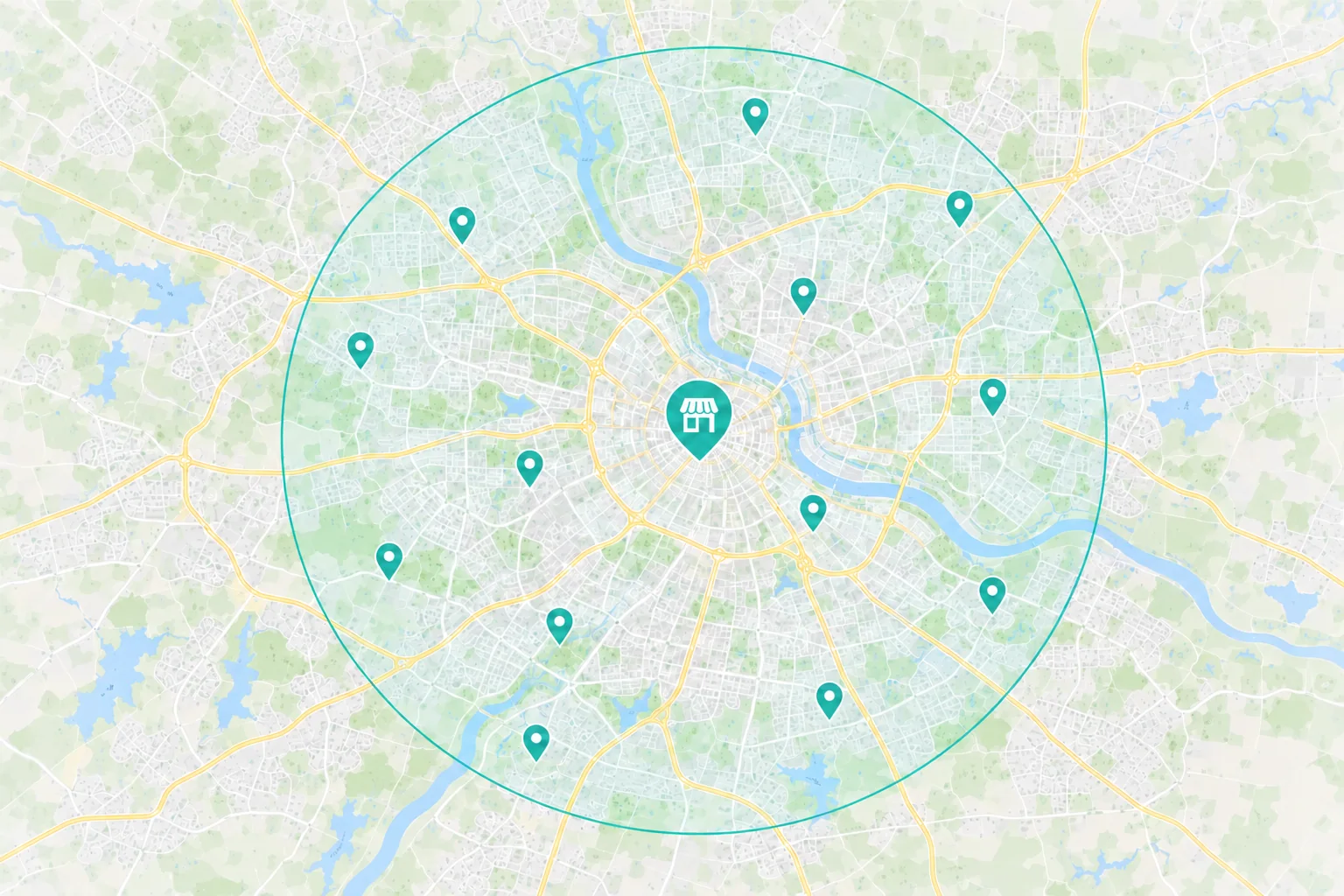
Show which locations carry the item or where shoppers can check availability before visiting.
Keep locations, hours and pickup instructions consistent across listings and the store.
 Ordering a product for delivery
Show dimensions, materials, available variants and what is included.
Give shoppers the delivery area, expected timing and cost. For larger items, explain any freight or delivery conditions that apply.
Show the return window, condition requirements and any return shipping costs that apply.
Choose the First Fix
A collection named only for a product line may be hard to find when someone searches by use, size or material.
What to Check First
Search Terms
Do your collection names match the words buyers use for the product?
Store Navigation
Can shoppers browse by room, use, size or material?
A photograph alone may not show whether a pan fits an oven, a bin fits a shelf or a décor item is the right scale for a room.
What to Check First
Product Details
Can a buyer see the dimensions, material, care and included pieces?
Delivery and Returns
Can shoppers check delivery and return terms for the variant they choose?
A durable product may not need replacing soon. Buyers may come back for a useful accessory, a matching piece or a refill where it applies.
What to Check First
Product Fit
Is there an item that actually fits the product the buyer owns?
Timing
When would a buyer use the accessory or run out of the refill?
From Discovery to Checkout
Someone may find your bakeware through search or an ad and compare it with another set. Keep the size, contents and price consistent when they choose a variant and move to checkout.
 Search & Maps
 Ads & Campaigns
 Referrals

Your Product Page
Dimensions, materials and variants
Photos, care and included pieces
Stock, delivery and return terms
Show the exact item, final cost and delivery estimate before the shopper pays.
Measure What Turns Into Orders
Your checkout shows paid orders. Your store can also show cancellations, fulfillment, returns and refunds. Review those outcomes together where the records are available.
Available Marketing Evidence
Source
Which tracked campaigns, channels or pages led shoppers to the product or checkout?
Action
Which products did people view, add to cart or buy?
Investment
What did you spend on ads and agreed marketing work in the same period?
Your Store Helps Confirm
Order Quality
Which orders were paid and fulfilled? Review cancellations and returns separately.
Order Value
Compare sales after refunds with product, delivery and advertising costs where your records support it.
Repeat Orders
Check repeat orders for refills, accessories or matching items when those purchases make sense for the product.

Dave is great! He helped me create a sales website for my pillow product, Dr. Kakar's Pillow.
Why Choose Revenue Surge?
Revenue Surge was established in 2008. Cofounder Dave Gervase brings over 20 years of experience. We’ll agree which items to support, what we’ll change and what the work costs before you decide to start.
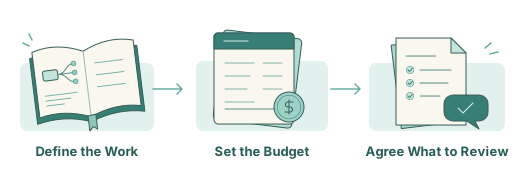
Name the collection pages, item pages, campaigns or follow up work included in the proposal.
See agency fees and ad spend separately. Agree on who approves product and offer details before launch.
Set a review date and agree which order, fulfillment, return or repeat purchase figures your team can confirm.
How We Work Together
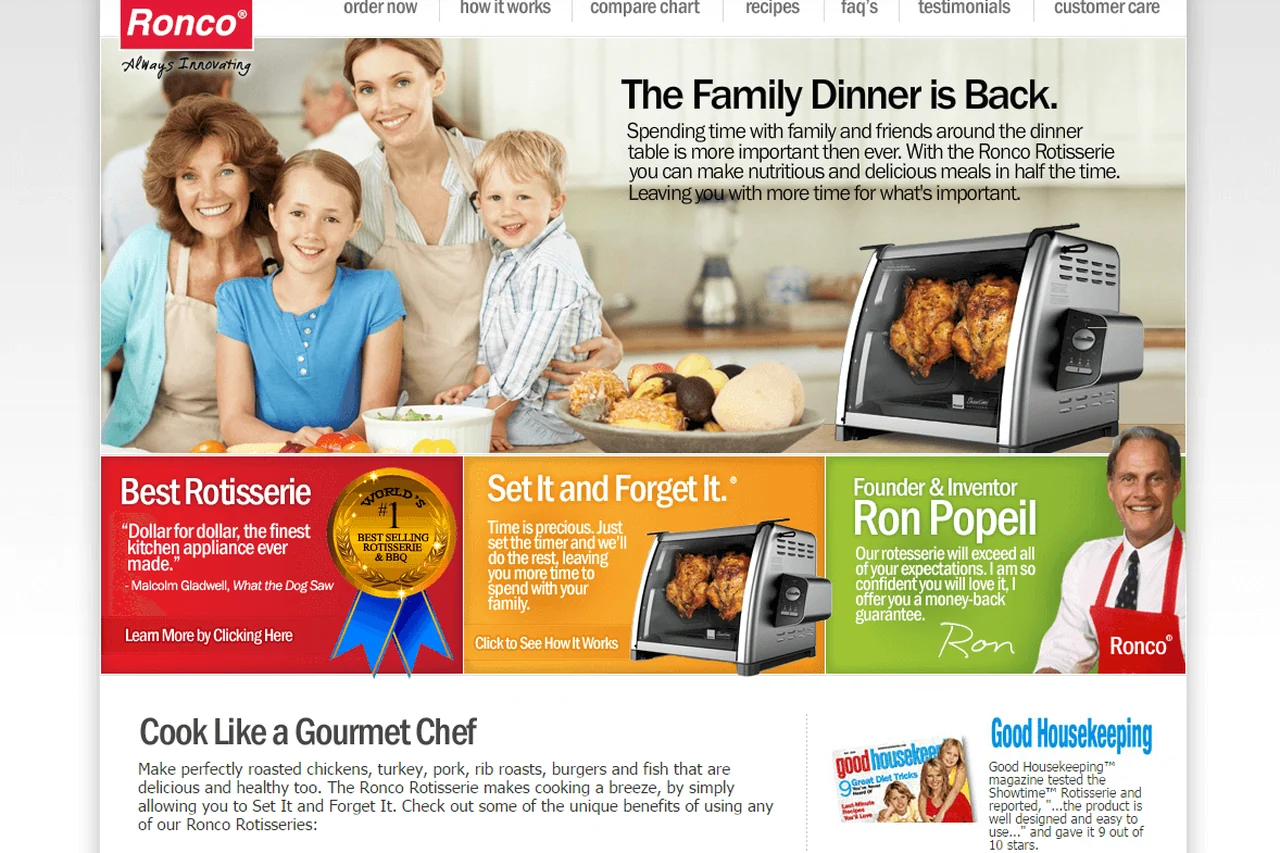
Dave coordinates the people working on your store, search and ads. The Ronco Showtime Rotisserie page in our ecommerce portfolio shows how a product page can explain what shoppers receive and how to order.
Products, Storefront and Campaigns

Dave Gervase
Cofounder and President
Client Management
Bring variant, stock and launch updates to Dave.
The Expertise Behind the Work

Shows materials, dimensions and the pieces included in an item or set.

Builds product pages and checkout steps shoppers can use on a phone.

Keeps campaigns aligned with the item, availability and delivery terms.
Client Perspectives
Clients describe how we plan website and marketing work and support their teams.
Many companies these days are able to throw up a website, but Revenue Surge takes the time to not only learn the fine details about your product, but also understand why your customers need it...

Marc Haskelson
Migralex
Great experience working with Revenue Surge to not only build a website for my firm's real estate business but also consulting on effective logo design and SEO. Would absolutely recommend Dave and fully trust his expertise...
Shae Herman
A partner that brings Unique conversion enhancing skills to their clients sites resulting in the highest upsell revenue per impression of any of our partners...

Steve Howard
Affinion Group
Frequently Asked Questions
Questions about product details, shipping, launches and repeat orders.
Start a Project Conversation
Bring the items you want to sell and what you can see about carts, orders or returns. We’ll talk through whether to start with product discovery, the product page or checkout.
Where you sell. Share your store link and any retail or pickup options you offer.
Which item to focus on. Name the item, set or collection and the options shoppers compare.
What can affect the order. Share any stock, freight, shipping or return details customers need to know.
Include your store link, the product or collection you want to discuss and the first question shoppers usually ask.


