



Local SEO
Help customers find the repair, maintenance or installation service available in their area.
SEO, Websites and Paid Search
The first hot week can fill your schedule with repairs. We help you promote maintenance and replacement work as the weather and your schedule change.

Keep Crews Busy
Between Peaks

Over 20 Years of Experience
Experience planning service websites and campaigns around how people search for help.

Plans That Follow the Season
Promote the work your dispatch and installation teams can take.

One Marketing Contact
Share changes in coverage, service hours and crew availability with one person.
How We Help
Someone with no cooling needs a repair number. A maintenance customer needs an appointment window. A replacement shopper wants to know which systems you install.
Help customers find the repair, maintenance or installation service available in their area.
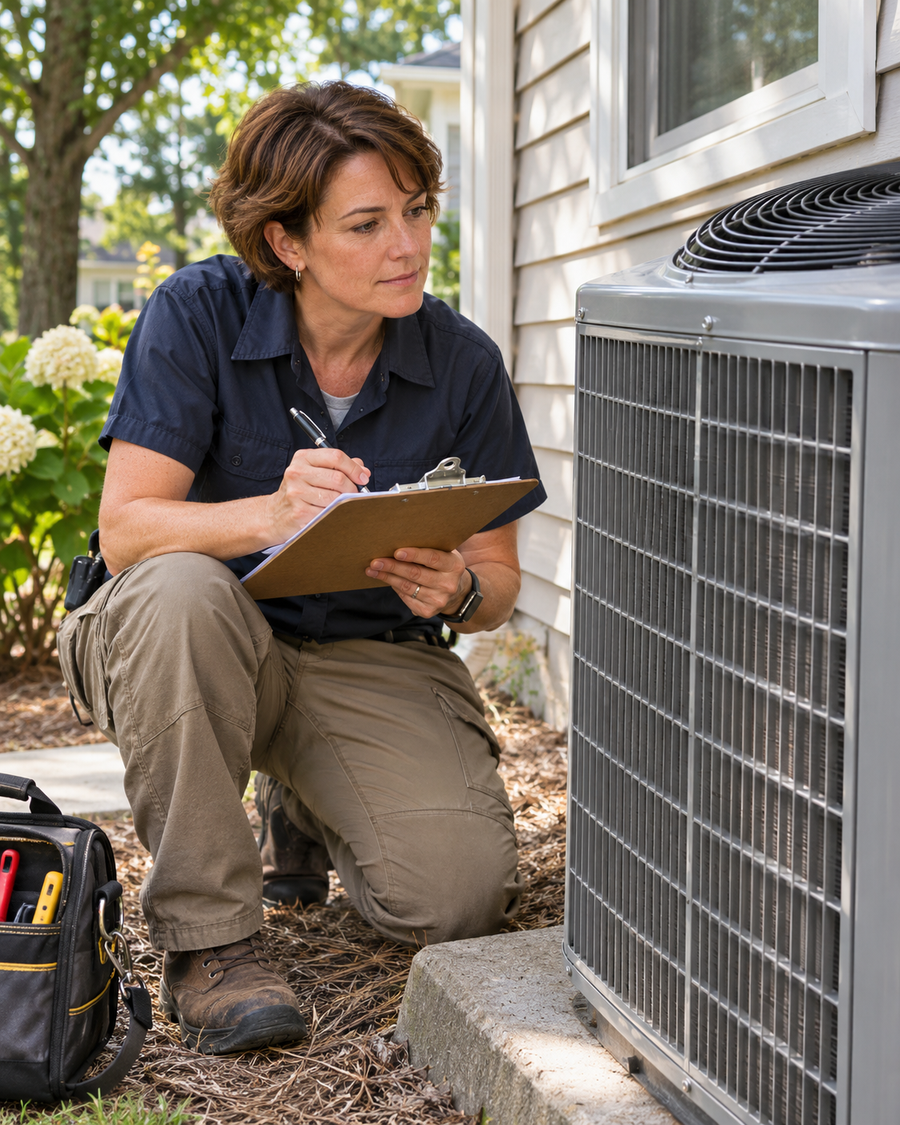
Show customers what the visit covers, whether you service their equipment and how to contact the right team.

Adjust which services you promote as weather and crew availability change.
Repair, Maintenance and Replacement
Dispatch needs enough information to route a repair. Maintenance can be scheduled ahead. An equipment replacement may start with an estimate visit.
Show which equipment you service, where you dispatch and when someone can reach your office.
Explain what a tune up covers, which systems you service and how to request an available time.
Name the systems you install, your installation territory and what the estimate visit covers.
What Dispatch Hears First
When calls surge, your office spends the day finding room for repairs. Once the weather settles, open maintenance slots and unbooked estimate visits are harder to fill on short notice.
We plan maintenance campaigns ahead of the season, keep repair coverage current and give replacement shoppers a clear way to ask for an estimate. Then we review what dispatch can schedule before recommending a shift in budget.
Discuss Your Seasonal Priorities
A customer can see your company in search without knowing whether you dispatch to their ZIP code.

The page gives no current phone hours or guidance about how your office confirms a visit.

Dispatch has to screen calls about systems or equipment outside the work your crews handle.

A call count cannot show which repairs went to dispatch, which tune ups were booked or which installations sold.
How We Work

Confirm which repairs, tune ups or replacements you want to promote and which areas your crews can serve.

Look at the service page, the number or form customers use and the point where a suitable request stalls.

Update the agreed pages, listings or ads. Set up reporting where the tools and scope allow it.

Use dispatched repair calls, booked maintenance and accepted replacement estimates to decide what to change when availability shifts.
Check which service, phone hours and areas appear when someone looks for nearby AC repair.
Show where you dispatch, which systems you service and how customers can check availability.
Ask whether callers reached the correct team and had equipment your crews could service.
Local SEO for HVAC Contractors
We review what appears in Search and Maps for repairs, tune ups and equipment replacement. Keep contact details and staffed hours consistent with the service page.
Website Design for HVAC Contractors
Name the systems you install and explain what your team checks at the estimate visit. Give repair and maintenance customers separate contact instructions where your process differs.
Current Page
Repair, maintenance and replacement share a page without details on equipment or estimates.

Customers have to call to ask what happens at a replacement estimate or whether their system is covered.
Focused Page
Describe the systems you install, what your team checks at the visit and what the customer receives afterward.
Ask for the ZIP code, equipment type if known and preferred timing.
Paid Search for HVAC Contractors
Start with a service and area your crews can support. If repair demand rises or the installation calendar fills, review which campaigns should keep running.
Choose the services, systems and ZIP codes your crews can handle. Revisit the mix as the season changes.
Send people who search for a tune up to a maintenance page. Show eligible equipment, what the visit covers and how to request a time.
Compare tracked calls and forms with dispatched repairs, booked maintenance and sold installations where your team can connect them.
Service Territory
Dispatch may take repair calls close to existing routes. An installation crew may travel farther for scheduled work. Set coverage by service and share the boundaries your crews can support.
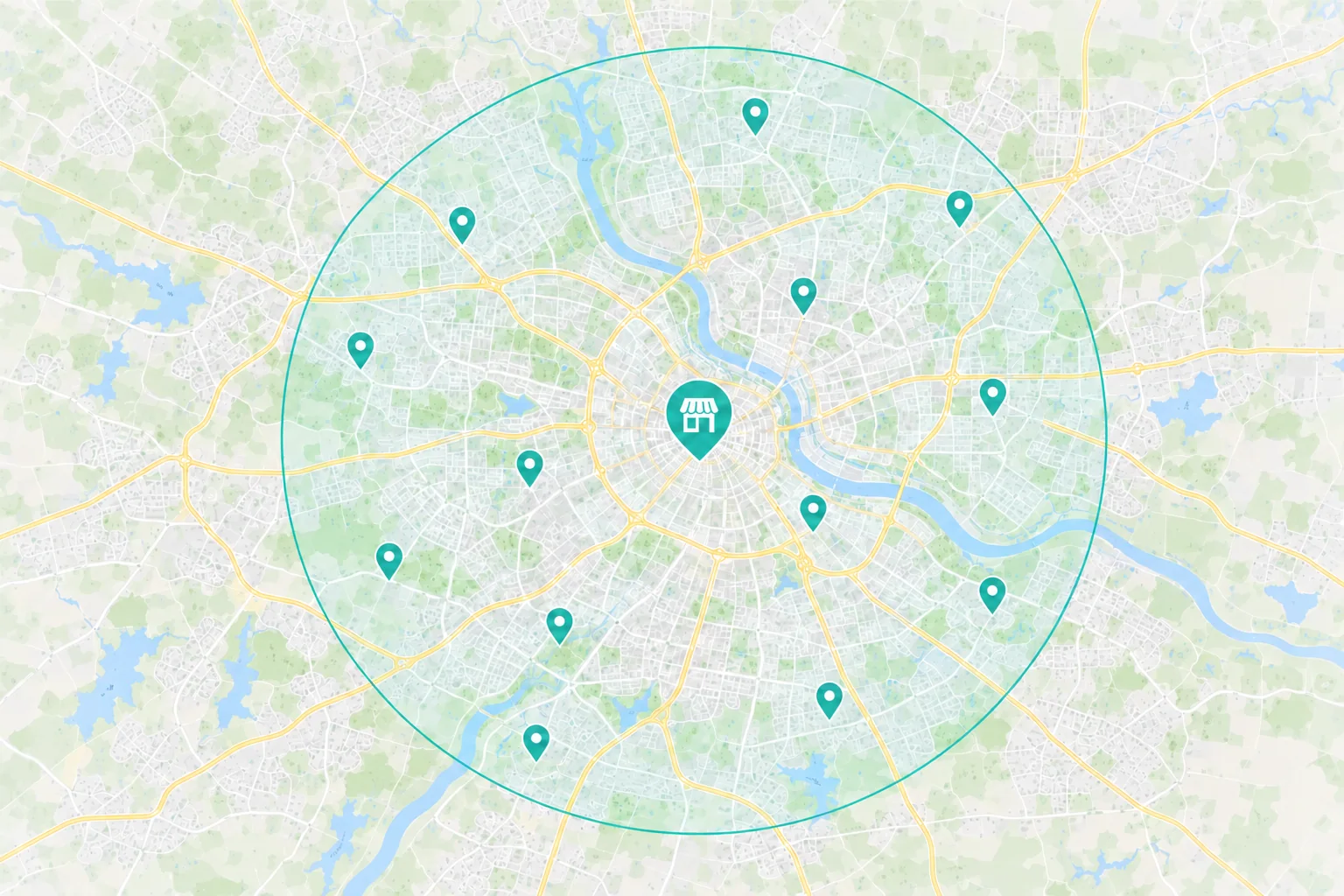
Name the towns or ZIP codes, systems you service and hours customers can reach your office.
Keep the repair page and listing current. Explain how dispatch confirms a visit.
 A scheduled estimate for a system replacement
Name the equipment you install, property types you serve and areas where you offer estimates.
Explain what the technician checks and when the customer can expect the estimate.
Show approved installations that match the equipment and property types you serve.
Choose the First Fix
An ad or page may say you serve the region without showing where the repair team actually travels.
What to Check First
Search Terms
Do the ads and repair pages match the service the customer needs?
Route Fit
Can customers check whether your repair crew dispatches to their ZIP code?
If maintenance only appears on a general services page, people may miss it before the heating or cooling season.
What to Check First
Search and Maps
Can customers find a maintenance page when they look for a tune up nearby?
Service Detail
Does the page show which systems you service and what the tune up includes?
A customer may be comparing several installers and still need to know what your team checks at the visit.
What to Check First
Unanswered Questions
Can they see what the estimate visit covers and what they will receive afterward?
Phone Experience
Can someone use the estimate form on a phone?
The Customer Journey
A customer with no cooling may call from Maps. Someone preparing for the heating season may look for a tune up. A replacement shopper may compare equipment and installers before requesting an estimate.
 Search & Maps
 Ads & Campaigns
 Referrals

HVAC Service Page
Which systems and areas you serve
Staffed hours and what the visit covers
How to reach dispatch or request a time
Your team checks repair coverage, books maintenance or schedules an estimate. Review those outcomes separately.
Measure What Turns Into Work
Call totals show how often people reached out. Your dispatch and sales records can show which repairs were dispatched, which maintenance visits were booked and which installations sold.
Available Marketing Evidence
Source
Which tracked campaigns or pages brought in calls or service requests?
Action
Separate repairs, maintenance and replacement requests. Set aside duplicates and spam where possible.
Investment
What did you spend on ads and agreed marketing work in the period you’re reviewing?
Your Team Helps Confirm
Job Fit
Did the ZIP code, equipment and requested service fit your available crews?
Outcome
Review dispatched repairs, booked maintenance, estimates held and installations sold as separate outcomes.
Value
Compare the value of completed work with labor, travel and equipment costs when those records are available.
Why Choose Revenue Surge?
We’ll choose the HVAC service to support, where to promote it and how to adjust if your calendar fills. The proposal lists the work, cost and the outcomes we’ll review.

Agree which service pages, listings, campaigns or dispatch reporting are part of the project.
See agency fees and ad spend separately, with clear approval and review points.
Set a review date and agree on which repair, maintenance and installation outcomes you can confirm.

Your careful attention to detail is very much appreciated. Your prompt response to our needs has been outstanding.
How We Work Together
Dave coordinates the people working on your site, search and ads. Let him know when service hours, crew availability or equipment coverage changes.
Service Areas, Equipment and Availability

Dave Gervase
Cofounder and President
Client Management
Bring service changes and approvals to Dave.
The Expertise Behind the Work

Explains the equipment you service and what each visit includes.

Builds pages and contact options that connect customers to the right team.

Adjusts search and campaigns around service area and crew availability.
Client Perspectives
Clients describe what it’s like to plan work with us and get help when priorities change.
The web design provided by Dave was second to none and we've been in the direct response space for over two decades. With Revenue Surge, we ran creative digital marketing campaigns designed to optimize conversion as well as average ticket price...
Jason Galvin
Herbal Groups
Dave provided a solid resource and “home” for my clients that needed direction and counsel on how to maximize their digital efforts from digital media strategies, SEO/SEM and optimal website/landing pages that convert...

John Bosacker
Lee MMS
Dave did a great job and even redesigned our website. He is always available to answer any questions and is a valuable member to our team...
Justin Henson
Frequently Asked Questions
Questions about seasonal demand, service territory and what happens after a call.
Start a Project Conversation
Tell us when repair demand spikes, when maintenance slows and where your installation calendar has room. We’ll discuss what to promote first and when to adjust.
Where you dispatch or install. Share the towns or ZIP codes each team can reach.
Which work you want to promote. Tell us whether to focus on repair, seasonal maintenance or equipment replacement.
When your calendar changes. Tell us what happens during peak demand and when your crews have more room.
Include your website, the service you want to promote and where your crews can take that work.


