



Local SEO for Plumbers
Show which plumbing services you provide and where your crews can reach customers.
SEO, Websites and Paid Search
A missed repair call can send a customer elsewhere. We make your staffed number easy to find and send planned work to your estimate team.

Route Repair Calls
and Estimates

Over 20 Years of Experience
Experience across service websites, search and advertising.

Contact Options That Match the Job
Show customers when to call and how to request an estimate.

Direct Client Support
One contact for changes to services, coverage or office hours.
How We Help
An active leak needs a phone option. A drain request needs the right service information. A planned replacement needs a way to share details for an estimate.
Show which plumbing services you provide and where your crews can reach customers.
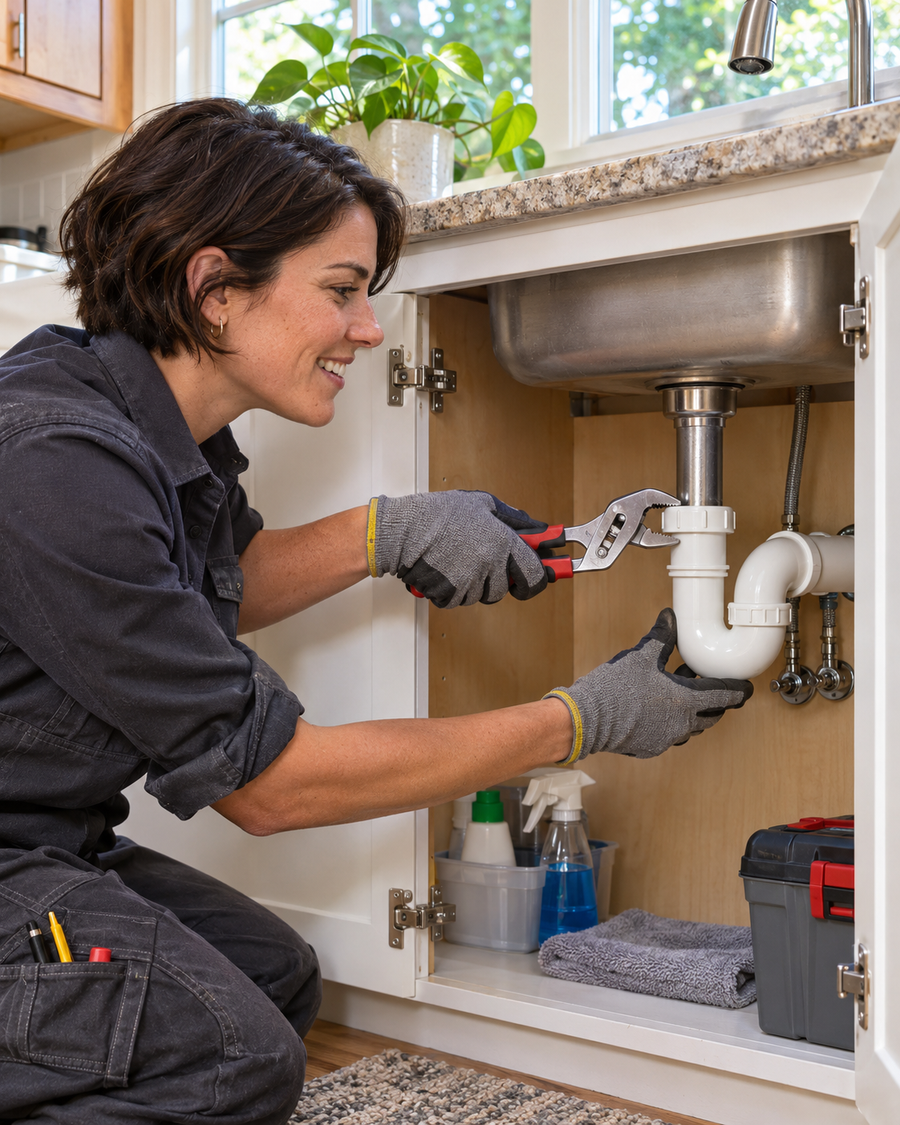
Give someone calling about a leak a direct number. Give a replacement shopper a form that helps your office prepare for a visit.

Use separate pages and contact options for repair calls and planned replacement estimates.
Choose the Work You Want
Decide what to promote and what the office needs to route it. An active leak may need dispatch, a drain call may need more detail, and a water heater replacement may need an estimate.
Show when someone can answer. Ask callers for their ZIP code and where they noticed the leak so the office can check availability.
Say which drain and backup calls you take. Let customers tell the office which fixture or area is affected.
For a water heater replacement or repipe, ask for the property location, current setup if known and preferred timing.
Where Calls and Estimates Get Mixed Up
Someone with a leak may wait for a reply to a form intended for estimates. A customer planning a repipe may call dispatch and still need to explain the project again to the person who handles estimates.
We follow each request from the search result or ad to the person who handles it. If the repair number is hard to find, we make staffed hours and coverage clear. If replacement requests reach dispatch, we give those customers a form that goes to the estimate team.
Discuss How Your Office Handles Requests
Customers cannot tell if a crew can reach their ZIP code for that service.

Someone looking for a plumber cannot tell whether the office is staffed or when it can confirm a visit.

A request says ‘backup’ without telling your office which part of the property is affected.

Call and form totals cannot tell you which visits were dispatched, which estimates went out or which work was approved.
How We Work

Choose the service and area to support. Ask who handles the request and what they need to book the visit.

Agree on the first change and the outcome to review, such as repairs dispatched or replacement estimates scheduled.

Update the agreed search listings, pages or ads. Set up reporting for the actions in scope where tracking is available.

Review where requests came from and what the office could dispatch, estimate or book.
Check which plumber, service area and phone hours appear in Search and Maps.
Explain the drain calls you take, where you send crews and how to reach your office.
Ask which drain requests reached the right team and whether the ZIP codes fit your coverage.
Local SEO for Plumbing Companies
We review how your repair, drain and replacement services appear in local search. Make sure the listing and service page agree on coverage and phone hours.
Website Design for Plumbing Companies
Show callers when someone can answer and what the office needs to check availability. Give replacement shoppers a short way to share the ZIP code, current setup if known and preferred timing.
Current Page
Water heater replacement appears in a list without saying which setups you handle or how estimates work.

The office has to collect location and equipment details before it can arrange an estimate.
Focused Page
Explain which systems you replace, where you offer estimates and what happens before a quote.
Ask for the ZIP code, current setup if known and preferred timing. Explain how the office confirms the visit.
Paid Search for Plumbing Companies
Keep repair ads and planned replacement ads separate. Give each one a page that explains the service, area and correct contact option.
Choose the service and ZIP codes your crews can cover. Align ads that ask people to call with the hours your office can answer.
Send water heater replacement searches to the page that explains those systems and how to request an estimate.
Use tracked calls and forms alongside outcomes your team can confirm. Check whether requests fit the service, hours and area before increasing spend.
Service Area and Crew Coverage
A crew responding to a nearby leak may have a smaller service area than a crew scheduled for a repipe. Show which ZIP codes you can serve for each kind of job.
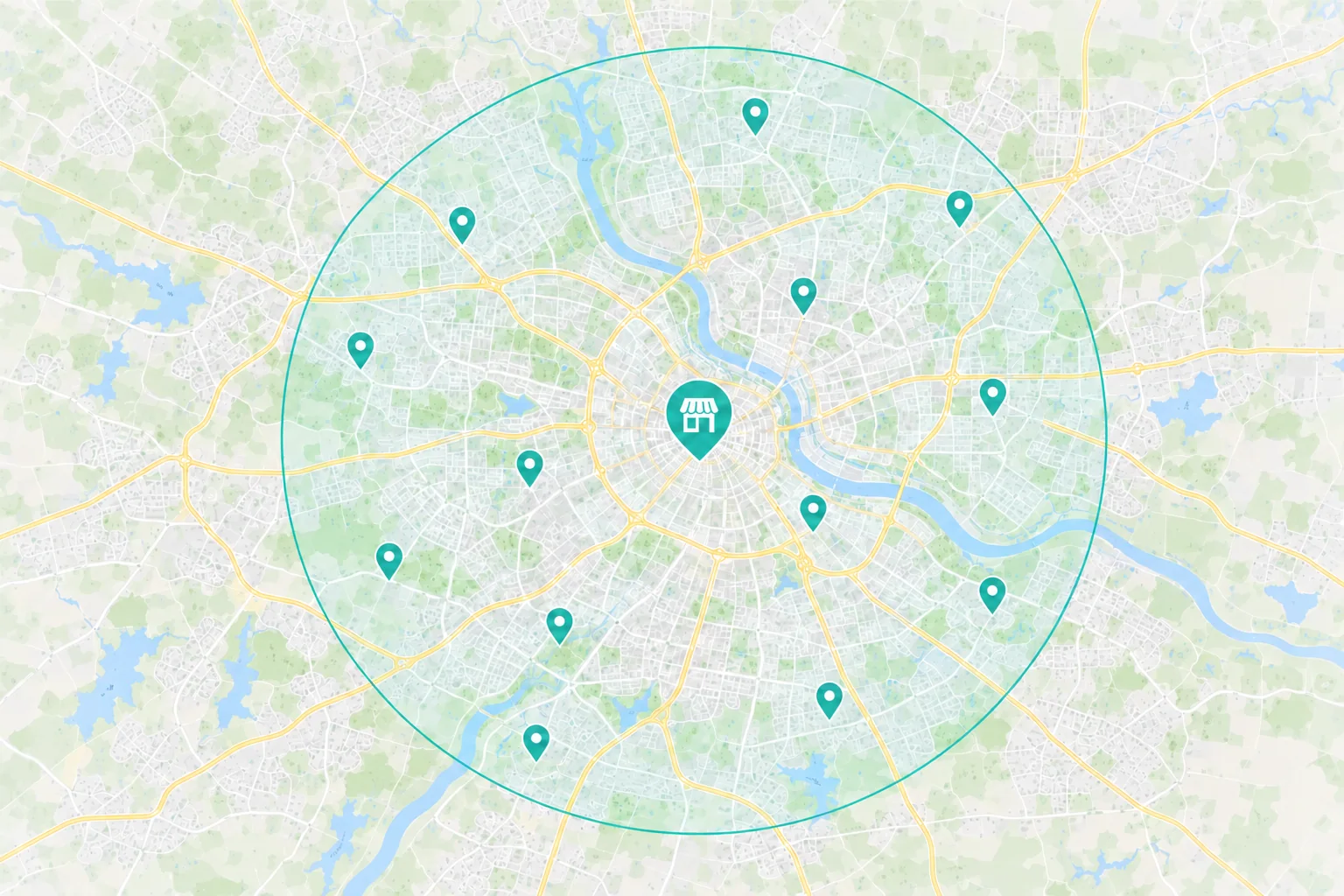
Name the towns or ZIP codes you cover and the hours your office answers. Give callers a way to ask whether a crew is available.
Keep the map listing and service page consistent on coverage, phone number and staffed hours.
 Planning a replacement or repipe
Say where you offer water heater replacements, repipes or other larger jobs your crews handle.
Ask for the property ZIP code, project scope and timing before setting up a visit.
Show approved project photos that match the services and property types you offer.
Choose the First Fix
A customer with an active leak may submit a form if they cannot find the staffed phone option.
What to Check First
Repair Phone Hours
Does the ad or service page show who answers repair calls and when?
Dispatch Area
Can the office check the ZIP code and availability before sending a crew?
When every plumbing service shares one page, customers may not know whether you handle their type of drain or backup.
What to Check First
Search and Maps
Does a search for drain clearing lead to the service page or a general list?
Service Detail
Can customers tell which drain calls you take and what details your office needs?
Someone comparing replacements may leave if they cannot tell what the estimate covers or how to request one.
What to Check First
Unanswered Questions
Does the page explain what happens after a customer sends a request?
Phone Experience
Can a customer describe the job and ask for an estimate on a phone?
From Search to Scheduled Work
Someone with a backed up drain may call from Maps. A customer planning a repipe may read about your work and ask for an estimate. Give both a contact option that reaches the right team.
 Search & Maps
 Ads & Campaigns
 Referrals

Your Website Has a Job
The service or problem they’re calling about
Coverage and staffed phone hours
How to reach dispatch or request an estimate
The office checks the ZIP code and service before dispatching a crew or arranging an estimate. Review each outcome separately.
Measure What Turns Into Work
A call or form shows someone got in touch. Your office can confirm whether the request fit, whether a crew was dispatched and whether an estimate was accepted.
Available Marketing Evidence
Source
Which tracked campaigns, listings or pages brought in calls or estimate requests?
Action
Separate leak, drain and replacement requests. Set aside duplicates and spam where possible.
Investment
What did you spend on ads and agreed marketing work in the period you’re reviewing?
Your Team Helps Confirm
Job Fit
Did the ZIP code, work and timing match what your team could take?
Outcome
Track dispatched repairs, estimates scheduled, estimates sent and approved work separately when records support it.
Value
Compare the value of completed jobs with travel, materials and crew time.
Why Choose Revenue Surge?
We’ll choose one plumbing service and follow its requests through the office. You’ll know which listings, pages or ads we’ll change, what the work costs and whether we’ll review dispatched repairs or accepted estimates.

List the service pages, listings, ads or estimate steps included in the proposal.
See agency fees and ad spend separately, with clear approval and review points.
Agree on the dispatch, estimate or booking outcomes your office can report and set a review date.

We find Dave and RS to be very professional and knowledgeable, always wanting to do the right thing out of the gate at reasonable budgets.
How We Work Together
Dave coordinates the people working on your site, search and ads. Let him know when coverage, phone hours or estimate routing changes.
Coverage, Phone Hours and Estimates

Dave Gervase
Cofounder and President
Client Management
Bring service office feedback and approvals to Dave.
The Expertise Behind the Work

Explains the services you take and what customers need before calling.

Builds service pages, phone links and forms that reach the right team.

Matches local search and paid campaigns to your services and staffed hours.
Client Perspectives
Clients describe how Revenue Surge handles projects and responds when plans change.
Dave did a great job and even redesigned our website. He is always available to answer any questions and is a valuable member to our team...
Justin Henson
Dave and his team never cease to amaze us with completion of every item on a Scope of Work as well as offering many additional services with fair pricing...

Lori Zeller
THOR Associates
Many companies these days are able to throw up a website, but Revenue Surge takes the time to not only learn the fine details about your product, but also understand why your customers need it...

Marc Haskelson
Migralex
Frequently Asked Questions
Questions about repair calls, estimate requests and the work your crews can take.
Start a Project Conversation
Tell us which jobs you want more of and where those calls or estimates tend to go. We’ll look at how customers find the service and who gets the request.
Where your crews work. List the ZIP codes you serve and any areas you cover only for planned projects.
Which service to focus on. Tell us whether to start with leak calls, drain work or replacement estimates.
Who handles the next step. Share when someone answers and who follows up on estimate requests.
Include your website, service area and the type of plumbing work you want to promote. Use general examples and keep customer addresses within your company.


