


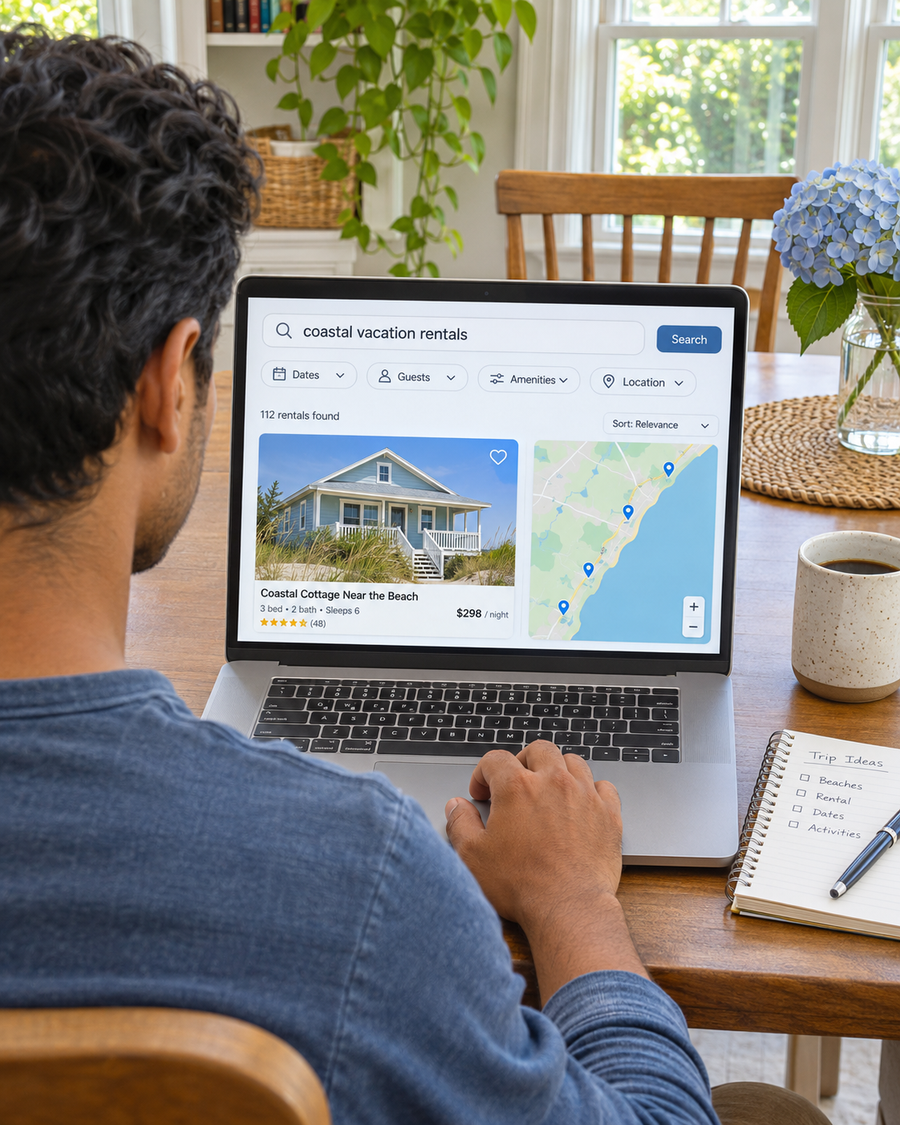
Search Visibility
Help guests find the right property for their destination, group and plans.
For Vacation Rental Owners and Managers
If most reservations come through one marketplace, it’s hard to know what your own site could bring in. We help guests check dates, see the total and book directly where available.

Make Direct Stays
Easier to Book

Over 20 Years of Experience
Experience building websites that help customers make a decision.

Useful Property Pages
Show guests the layout, stay rules and total before they reserve.

One Contact for Your Rentals
Share property, rate and booking updates with one person.
How We Help
Guests may already know their destination and dates. Give them enough information to choose a property and understand what happens when they check availability.
Help guests find the right property for their destination, group and plans.

Show beds, occupancy and amenities with photos of the property guests are considering.

Send travelers to the advertised property and a current way to check their dates.
Plan Around the Stays You Can Offer
A family may compare bedrooms and bed types. Someone bringing a pet needs to check the rules and any fee. A couple looking for a weekend needs to know whether the minimum stay works for their dates.
Show where guests can verify availability for the property and whether their dates meet the minimum stay.
Explain sleeping arrangements, maximum occupancy and practical details such as parking or stairs where relevant.
Show the total for the selected dates, including required fees that apply. Explain whether guests can reserve or need to send a request.
What Guests Still Need Before They Reserve
A family may find your rental by name, then return to a listing site because your website doesn’t show who sleeps where, which dates are open or what the stay costs. You may see the visit in a report without knowing whether it led to a booking.
We follow the steps a guest takes from the property page to your calendar. We check whether the property and dates carry through, whether the total is easy to find and which requests your records connect to confirmed stays.
Discuss the Properties You Want to Promote
A portfolio page may show several rentals without a calendar link for the one the guest chose.

A bedroom count leaves guests guessing about beds, sleeping arrangements or the occupancy limit.

Fees or stay rules only become clear after guests select dates and start the reservation.

A calendar view or direct inquiry does not tell you whether the guest confirmed, canceled or completed the stay.
How We Work

Choose the property, dates and type of stay to promote. Check which calendar guests should use.

Agree on the first question to answer and what your setup can report, such as date checks or confirmed stays.

Update the agreed property pages, listings or ads and check where the calendar or inquiry link sends guests.

Review which date checks or inquiries became reservations where your records can connect them.
Check what appears when guests look for a stay near a beach, trail or neighborhood you can verify.
Show the exact property, sleeping arrangements and how to check dates for that rental.
Review which properties people ask about and which date checks or inquiries became confirmed stays.
Search Visibility for Vacation Rentals
We review the destination and property searches you want to reach, including local searches where relevant. Give each rental its own useful page with location, beds, amenities and a direct way to check dates.
Website Design for Vacation Rentals
Show sleeping arrangements, occupancy, the total price and applicable policies before guests commit. Connect each property page to the correct calendar or explain how you confirm direct requests.
Current Page
Guests see the rooms but cannot tell how many people can stay, which dates are open or what the stay costs.

Guests have to ask about beds, fees and whether the rental can take their dates.
Focused Page
Show the bed layout, occupancy, amenities and stay rules. Link to the calendar for that property.
Let guests enter arrival and departure dates and party size. Explain how they see the total and confirm the stay.
Paid Search for Vacation Rentals
Choose a rental and travel window with confirmed availability. Send guests to that property and a current way to check dates.
Check the property calendar, minimum stay and dates before setting the budget.
Send travelers to the advertised property so they can verify the location, current availability and terms for their stay.
Compare tracked activity with reservations where the records connect. Update or stop date specific ads when the calendar changes.
How Travelers Search
A traveler may search for a rental near a beach or trail from several states away. Give them the information they need to compare the location and check whether the property works for their group.
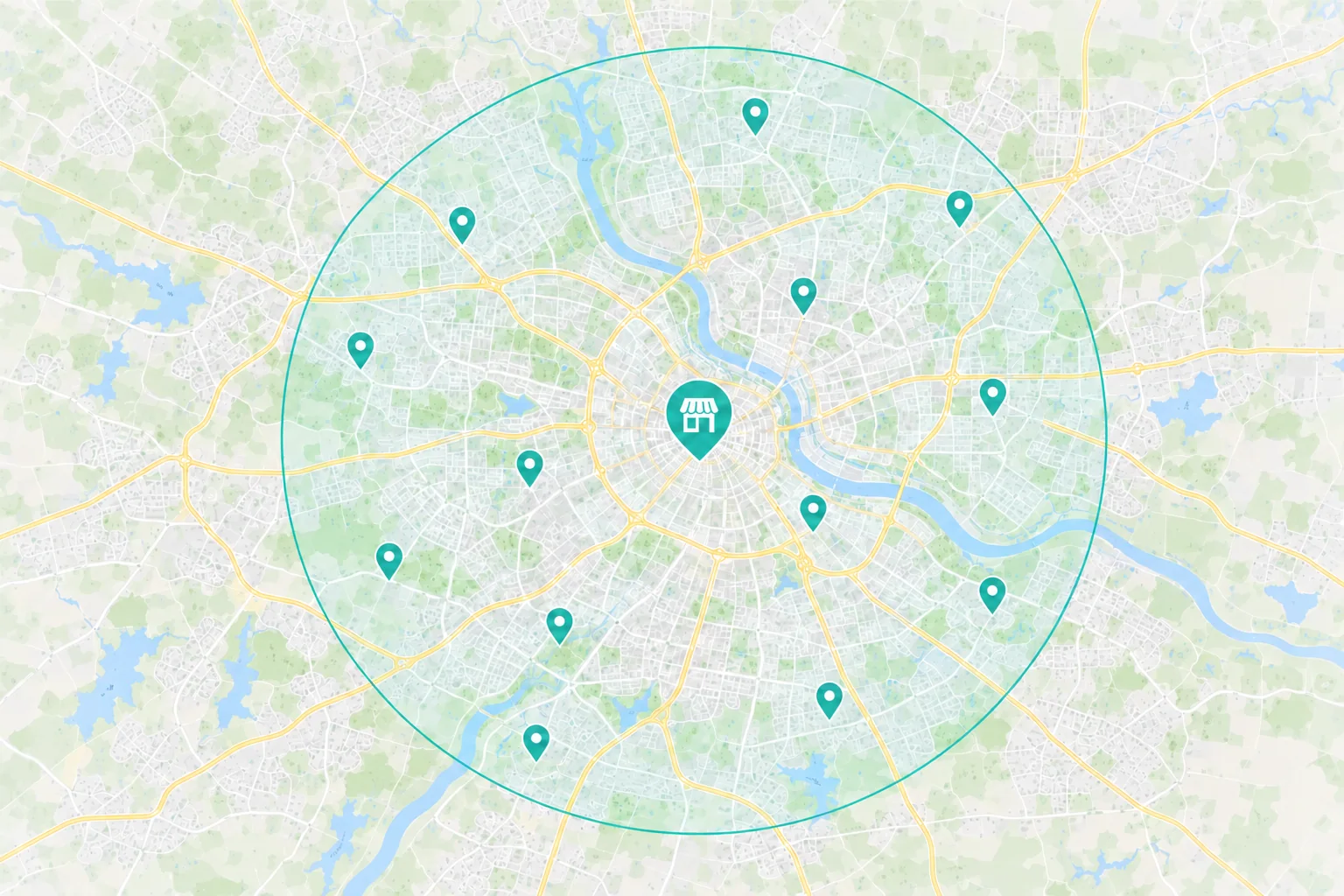
Explain what is nearby using distances or travel times you can verify.
Use the same property names and accurate location information on the website and listings.
 Comparing rentals for a trip
Show bed types, maximum occupancy and the amenities guests can count on.
Show the rules for the property, including pet and cancellation policies where applicable.
Give guests a way to check dates for the property they selected. Explain how the stay is confirmed.
Choose the First Fix
A guest may ask about a short stay, a pet or a party size the property cannot accommodate.
What to Check First
Search Intent
Does the page give the right expectations for the stay guests are looking for?
Stay Requirements
Can guests see the occupancy limit, minimum stay and pet policy before sending a request?
A portfolio page may show nice photos without explaining which rental has the beds, parking or amenities a group needs.
What to Check First
Destination Search
Does search lead to a specific property or a general list?
Property Details
Can guests compare the bed layout, amenities and verified location details?
A guest can find an open date and still hesitate if required fees or cancellation terms only appear at the last step.
What to Check First
Unanswered Questions
Can guests see the total for their dates and any deposit or cancellation terms that apply?
Mobile Booking
Does the booking screen retain the property and dates on a phone?
The Guest Journey
A family finds a rental near the places it plans to visit. The guests compare beds and amenities, enter their dates and check the total and rules before committing.
 Search & Maps
 Ads & Campaigns
 Referrals

Your Rental Website
Property photos, bed layout and amenities
Available dates, total price and stay rules
A way to reserve or send a direct request
A calendar check is not a reservation. Tell guests what your platform or team sends once their stay is confirmed.
Measure What Turns Into Bookings
Separate calendar checks and direct inquiries from confirmed stays. Where records allow, review changes, cancellations and completed stays for the properties you promote.
Available Marketing Evidence
Source
Which tracked campaigns, listings or property pages brought in date checks and inquiries?
Action
Did guests check dates, call or send a request? Keep those actions separate from reservations.
Investment
What did you spend promoting those properties or travel dates in the period you’re reviewing?
Your Team Helps Confirm
Stay Fit
Did the dates, party size and stay length fit the property’s rules?
Outcome
Track confirmed stays, cancellations and completed stays where records allow. Keep unconfirmed requests separate.
Value
Review the value of confirmed stays against the cost of attracting them, allowing for refunds and channel fees where known.

We don’t advertise online, and our business is thriving due to our online presence. They handle the website, social media, off line print materials, and everything else in between
Why Choose Revenue Surge?
Revenue Surge was established in 2008. Cofounder Dave Gervase brings over 20 years of experience. We’ll agree on which property to start with, what we’ll change and what the work costs before you decide.

Name the property pages, listings, campaigns or reservation steps included.
See agency fees and ad spend separately, with clear approval and review points.
Agree on which date checks, requests and confirmed stays your current tools can report, and set a review date.
How We Work Together
Dave coordinates the people working on your website, search and ads. Tell him when you add a property, change a policy or move guests to a different booking tool.
Properties, Calendars and Reservations

Dave Gervase
Cofounder and President
Client Management
Bring changes to rates, rules or booking steps to Dave.
The Expertise Behind the Work

Shows the property layout, amenities and stay rules clearly.

Connects property pages to the calendar or inquiry option for each rental.

Promotes properties and travel dates your team can offer.
Client Perspectives
Clients describe their experience working with Revenue Surge. For Bitter Goose Lodge in central Pennsylvania, our work has included the website, social media and print materials.
Dave is great to work with. Very responsive to any request and just plain does a great job! What more could you ask for?...

Darren Kaberna
Accelerate My Practice
He does great work and he gets things up and running very quickly! I have been very pleased...

Dr. Raj Kakar
Dr. Kakar’s Pillow
Revenue Surge has created websites, landing page and optimization that has supported the digital strategies of THOR Associates as well as our clients. All with fantastic results...

Fern Lee
THOR Associates
Frequently Asked Questions
Questions about property pages, listing channels and how guests confirm a stay.
Start a Project Conversation
Tell us which property or dates you want to promote and where bookings come from today. We’ll review how guests find the property and what happens when they check availability.
Which property to focus on. Share its location and a website or listing link.
Which stays you can offer. Tell us the dates, minimum stay and types of groups the property can take.
How guests reserve. Share the calendar or inquiry path and what confirms the booking.
Include a website or listing link, the property you want to promote and how guests book it today.


