

Crawlability and Indexing
Make sure important pages can be reached and understood by search engines.
Website Design and Development
Find What Blocks the Next Inquiry.
Know What to Fix First.
Find the technical barriers between a visit and an inquiry. We connect search access, page speed, mobile usability, and form delivery with a clear order of work.

Find What Interrupts the Customer
Trace important service pages, mobile visits, and inquiry forms.
Know Which Fix Comes First
See the evidence, business impact, and recommended action.
Get Help Beyond the Report
Agree who will make the changes and how to verify them.

Start With Your Website
Share your website and your goals.
We will discuss scope, cost, and the next step before work begins.
Your details go to Revenue Surge to respond to this request.
Websites. Search. Customer Acquisition.
Over 20 years of website and marketing experience.
Uncover Hidden Problems
Find what is limiting search, speed, and usability.

Turn Findings Into a Plan
See the evidence and what to improve first.

Build a Stronger Website
Move from technical findings to useful fixes.
8
Technical Review Areas
Search access, speed, usability, and more
4
Steps From Audit to Action
Review, prioritize, report, and verify
1
Clear Order of Work
The evidence, the fix, and what comes first
The Problems You Cannot See
You have invested in your website and the visitors reaching it. A slow page, an invisible service, or a broken contact path can waste that effort. We look for the barriers that deserve attention before you commit to more work.

Heavy pages and long waits can end a visit before your offer is seen.
Blocked pages, broken links, and conflicting settings can limit discovery.

A broken form or awkward mobile path can stop a potential customer.
Loading
Reach the content without a long wait.

Mobile Use
Read, navigate, and act on a phone.
Contact
Submit an inquiry and confirm delivery.
What We Look For
From Discovery to a Delivered Inquiry
Common barriers at four checkpoints. We investigate each one, from search access to the message reaching your team.
An important service page is blocked.
We check crawl access and index settings.
The mobile page is difficult to use.
We check loading, layout, and controls.
A valid form submission fails.
We test validation and confirmation.

The message does not arrive.
We check the route through to receipt.
What We Review
We review eight connected foundations of a useful business website. Findings are tied to affected pages, practical fixes, and the customer actions they support.
Make sure important pages can be reached and understood by search engines.
Find slow loading, delayed responses, and shifting layouts.
Check navigation, content, controls, and the contact path on phones.

Review secure delivery, mixed content, and visible maintenance concerns.

Check internal links, redirects, page structure, and broken destinations.
Review page titles, headings, duplicate signals, and structured data.

Identify practical barriers in keyboard use, labels, focus, and contrast.
Test inquiry functionality and relevant tracking where access is available.
The review is scoped to your website. Specialist security testing and formal accessibility certification are separate services.
See What You Get
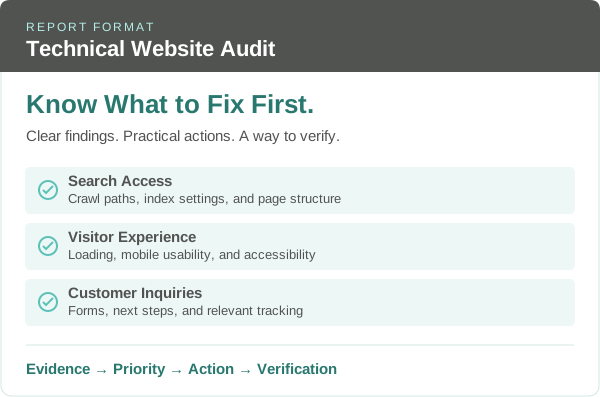
You should be able to understand the finding, choose a priority, and brief the person making the change. Each recommendation connects the affected page, business consequence, proposed action, and verification.
Evidence
A valid inquiry fails.
Priority
Customer contact is blocked.
Action
Repair validation and routing.
Verify
Confirm submission and receipt.
Clear summary of the findings
Evidence from affected pages
Recommended fixes in priority order
A way to verify the work
Tell us where your website is falling short. We will discuss the review, your priorities, and the next step.
Talk About Your Website →| Example Finding | Potential Impact | Priority to Validate |
|---|---|---|
| Blocked service page | Missing search visibility | Critical |
| Form submission error | Missed inquiries | Critical |
| Slow server response | Longer wait for content | High |
| Oversized images | Heavy mobile downloads | High |
| Broken internal links | Missing destinations | Medium |
| Duplicate page titles | Unclear page purpose | Medium |
Example Recommendation
The issue: A required field prevents a valid inquiry from being submitted.
The action: Correct validation and confirm the submission reaches its destination.
The check: Test errors, a valid submission, confirmation, stored details, and receipt.
Put Your Effort Where It Counts
Start with the problems that can stop customers from finding you or getting in touch. We prioritize by business impact, how many important pages are affected, and the effort needed to make a useful fix.
The issue: Similar labels and too many routes hide useful service information.
Our fix: Group services, name links clearly, and make important pages easy to find.
The issue: A large image adds download work without helping visitors choose a service.
Our fix: Resize and compress imagery, then review how the page loads.
The issue: The message fails and the contact action is easy to miss.
Our fix: Check validation and delivery, then make the next step clear.
The issue: Desktop columns shrink into tiny text and sideways scrolling.
Our fix: Rework the narrow layout with readable text and reachable controls.
Measure the Difference
See what changed, confirm that the fix works, and agree what to watch next. Your report connects each recommendation with a clear way to verify the work.
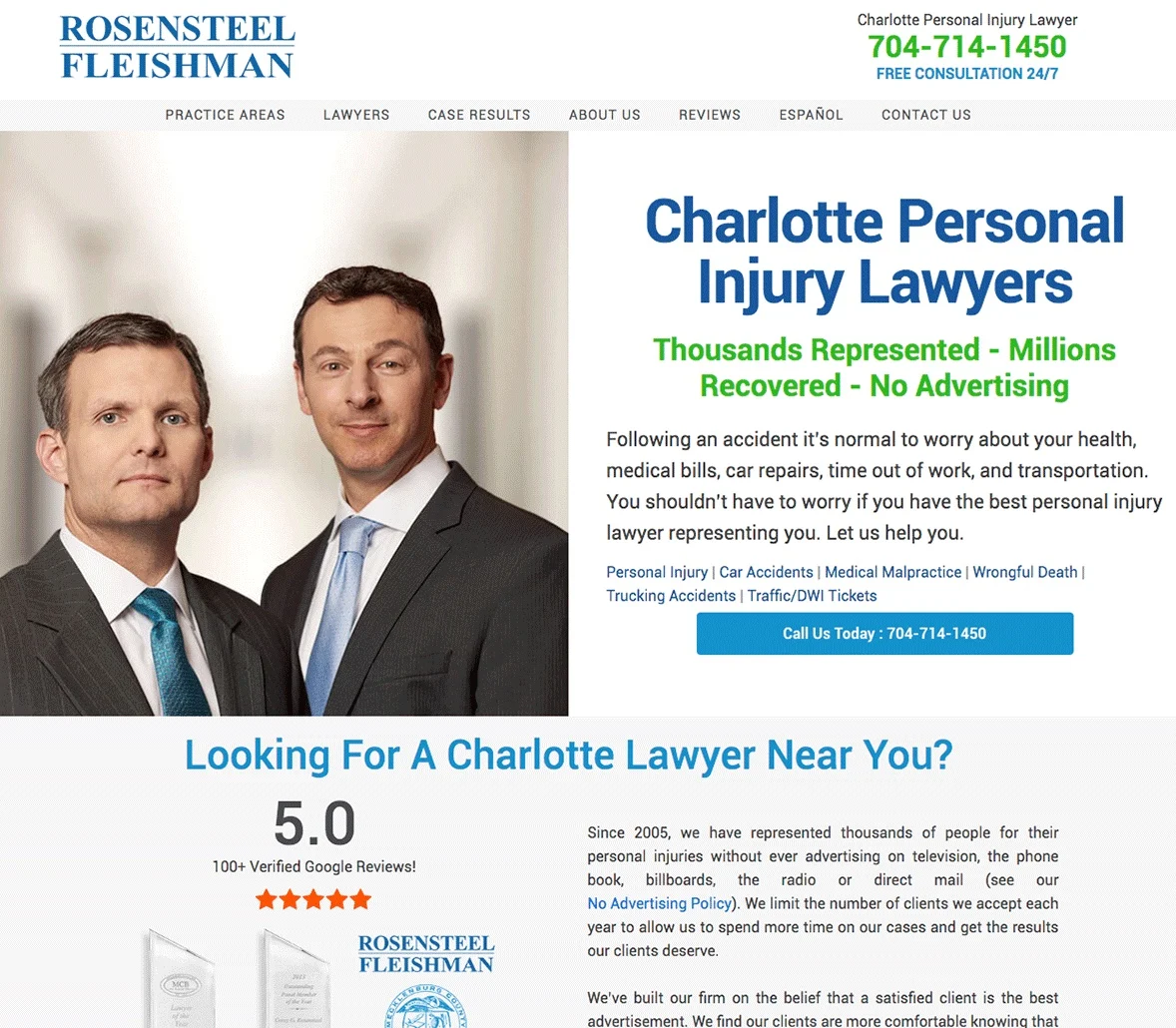
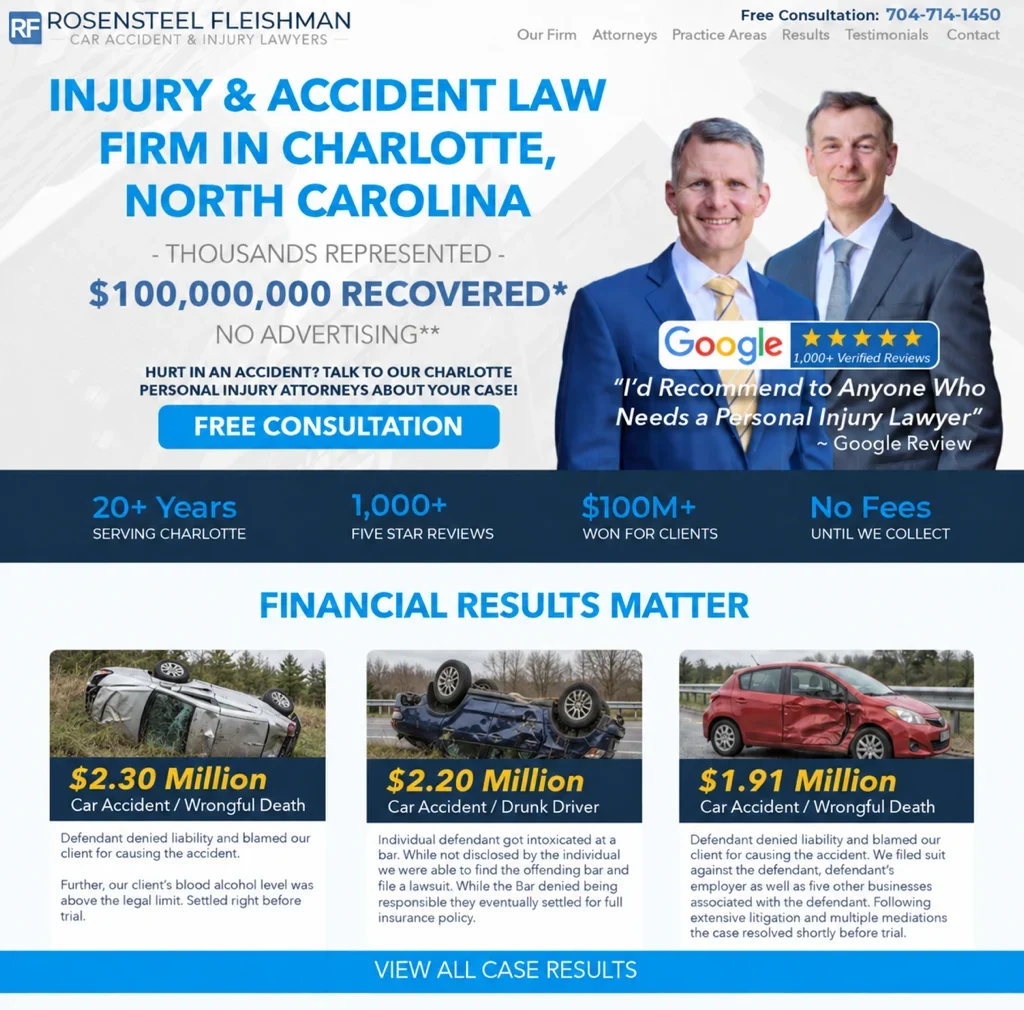
Actual Rosensteel Fleishman project screenshots show an earlier website and the updated design.
Check the Work
We identify what needs to change and how to check that the work is complete.
Document the affected page, the problem, and the conditions used to check it.
Repeat the relevant checks after the fix and look for related problems.
Follow the contact path through validation, submission, confirmation, and receipt.
| Review Area | What We Verify |
|---|---|
| Search Access | Important pages can be crawled and their index settings match the intended purpose. |
| Mobile Experience | Navigation, content, and controls remain usable at the agreed device sizes. |
| Inquiry Form | Validation, submission, confirmation, saved details, and notification behavior. |
| Page Performance | Comparable page tests, with test conditions and available real user data documented. |
A Dental Practice Engagement
During a three month website design and SEO engagement, a dental practice increased new patients from 19 to 33 per month. Paid advertising was not part of this engagement.
↑ 74% increase
19
33
Starting Point
After Three Months
+14
more new patients per month
One combined engagement brought website design and search work together.

The chart compares monthly new patient totals at the start and end of the engagement.
Paid advertising was not included in this specific website and SEO engagement.
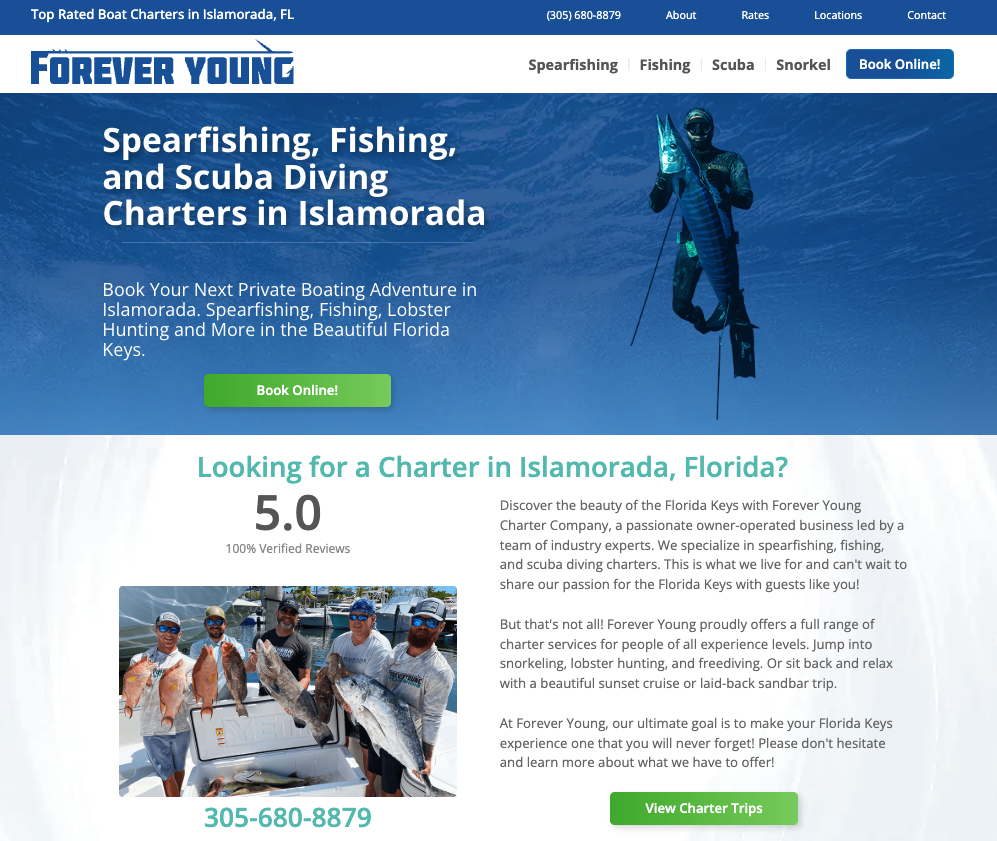
Forever Young website project. Service information and a prominent booking button give interested visitors a clear next step.
Why Revenue Surge
A technical error list is only useful when someone can turn it into the right work. Revenue Surge brings website development, search, and customer acquisition together so recommendations reflect the services you sell and the customers you want.
Website, search, and marketing experience helps us connect technical findings with the way your business wins customers.
Know which page is affected, what needs to change, and what will demonstrate that the work is complete.
We can carry the findings through agreed development work or coordinate with your existing team, then repeat the checks that show whether the fix is complete.
Our Audit Process
Your request starts a conversation about the website, business priorities, and access. We agree the scope, cost, timing, and responsibilities before the audit begins.
Review the agreed pages, technical checks, and available data.
Validate findings and connect them with your website and business priorities.
Receive clear evidence, recommendations, and practical next steps.
Agree who will make changes and how the work will be checked.
Client Perspectives
He does great work and he gets things up and running very quickly! I have been very pleased...
Dr. Raj Kakar
Dr. Kakar’s Pillow
Revenue Surge has created websites, landing page and optimization that has supported the digital strategies of THOR Associates as well as our clients. All with fantastic results...
Fern Lee
THOR Associates
The web design provided by Dave was second to none and we've been in the direct response space for over two decades. With Revenue Surge, we ran creative digital marketing campaigns designed to optimize conversion as well as average ticket price...
Jason Galvin
Google · November 7, 2022Before You Request Your Audit
Get clear on the scope, process, and next step.
Explore SEO Audits, Technical SEO, or WordPress Development.
Stop Guessing What Needs to Change
Share your website and the problem you want to solve. We will help you choose the right review and discuss the next step.
Request Your Technical Audit →
